Tracking Jobs: A Simple Framework for a Chaotic Search
You're applying to more roles than ever, and the search is starting to slip. A recruiter's email sits unanswered in your inbox. You can't remember whether you already applied to that one company. You find a promising listing and realize you saved it two weeks ago under a completely different browser tab graveyard. The applications aren't the hard part anymore — keeping track of them is.
Tracking jobs isn't a complicated process. But without some structure, the search turns into a mess of bookmarks, screenshots, and half-remembered deadlines. Here's a simple framework.
Why the search feels chaotic
Most job searches have no system by default. You find a role on a job board, open it in a tab, apply, and move on. Multiply that by twenty or fifty applications and a few things start to break:
- You lose track of where you applied. Did that cover letter go out, or did you just draft it?
- You can't prioritize follow-ups. Without a record of dates and statuses, "I should check in on that one" becomes "I'll get to it eventually."
- You redo work you've already done. The same company posts a similar role, and you start from scratch because you can't find your earlier tailored resume.
- You can't see the funnel. If you have no sense of how many applications actually lead to interviews, you can't adjust your approach.
None of these are personal failures. They're what happens when you're applying at volume — which, in most job searches, is exactly what you need to do.
The framework: four states and one source of truth
A useful job tracker doesn't need to mirror every nuance of recruitment. It just needs to answer one question at a glance: what is the current state of each role I care about?
A simple status pipeline works well:
Saved → Applied → Interview → Offer
Each role lives in exactly one place. Every resume and cover letter you generate for that role sits alongside it, so you're never hunting through folders for the version you sent.
Three habits make the framework stick:
- Save first, apply second. When a role catches your eye, log it before you open the application form. This takes seconds and stops good listings from disappearing into open tabs.
- Update the status the moment it changes. Sent the application? Move it to Applied. Heard back? Move it forward. The tracker is only useful if it reflects reality.
- Attach every tailor-made document. When you tweak a resume or write a cover letter for a specific role, keep it with the role. That way, when an interview invitation lands, you're not trying to remember what you told them.
Where Amploy fits
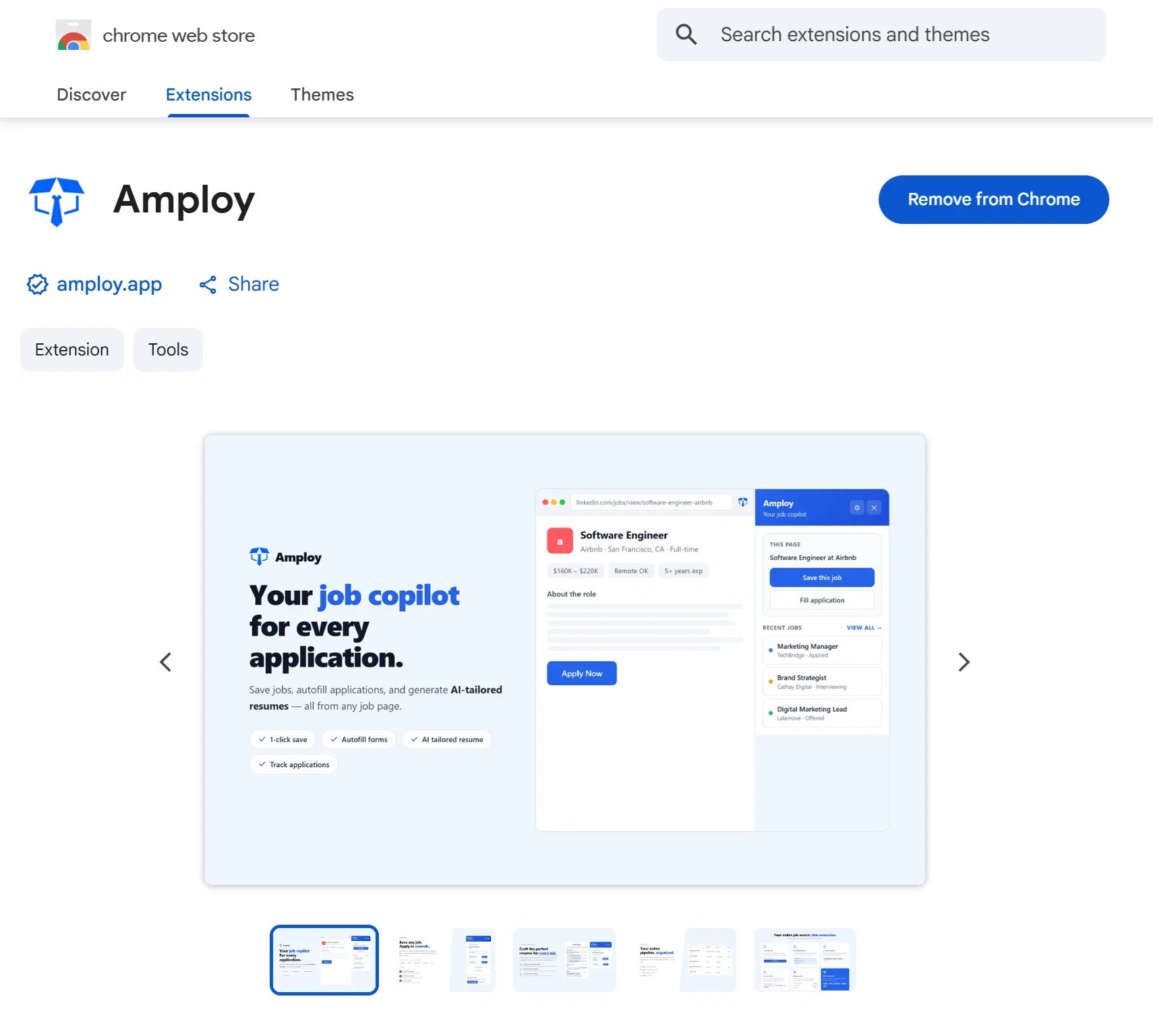
Amploy was built for exactly this problem — the job search has become a numbers game, and the busywork is what slows you down. Instead of running your search across a browser, a spreadsheet, and a notes app, Amploy keeps it in one place.
The job tracker puts your whole pipeline next to each tailored resume and letter, so statuses, documents, and deadlines live together. When a role is Saved, you can open it and move straight into applying.
That's where the rest of the suite comes in. The resume rewrite adapts your real experience to each job description. The cover letter feature generates a first draft that references the role and your actual background, which you can edit to sound like you. Then autofill fills in the application fields — name, phone, work history, essays — in one click.

The result is a loop that's fast enough to keep up with volume: save a role, tailor your materials, apply, and update the status. Less time on admin, more roles in play.
Don't forget the logins
Here's an underrated source of chaos: every company career portal wants its own account. Workday, SuccessFactors, and every other applicant system each ask you to register, and each password is one more thing to forget — usually at the exact moment you're ready to submit an application.
Amploy's password saver stores one login per career site, not per job, so you're never locked out of a portal mid-application. Combined with autofill, it means re-entering the same personal details on a new application takes seconds instead of minutes.

A short checklist to start
If your search currently lives in a pile of tabs, here's how to reset it:
- Pick one tracker and commit to it. A second spreadsheet defeats the purpose.
- Log everything you've already applied to — even roughly. Getting the backlog into the system is the biggest step.
- Set a weekly review. Five minutes going through the pipeline to check for follow-ups and stale Saved roles.
- Keep documents with their roles, not in a generic folder.
- Save your portal logins so a forgotten password never costs you an application.
- Get the tools in place — the Amploy extension works in Chrome and pairs with the website, so your tracker, resume, and letters are ready the next time you apply.
The search doesn't get less competitive. But tracking makes it manageable — and when the process is organized, the volume takes care of itself.