
Spreadsheet Vs. Job Tracker App: Which Actually Saves Time?
Most job seekers start with a spreadsheet. It's free, it's flexible, and it feels productive. Then a few weeks in, you're maintaining a tab for applications, another for resumes, a folder of saved cover letters, and a notes app full of login details. That's a lot of upkeep for something meant to save you time.
So which actually saves time — the spreadsheet or a dedicated job tracker app? The honest answer depends on what you're using it for. Let's break it down.
What a spreadsheet does well
There's a reason everyone reaches for one. Spreadsheets are genuinely good at a few things:
- Flexibility. You can track whatever columns matter to you, in whatever order.
- Zero learning curve. If you've used Excel or Google Sheets before, you're already set up.
- Cost. It's free and you probably already have one open.
For a handful of applications, a spreadsheet is fine. If you're applying to five roles over a month, the overhead of managing it is low.
Where the spreadsheet starts to break
The trouble shows up when you're applying at volume — which, if you're reading this, is probably the situation you're in.
It only tracks. It doesn't do anything.
A spreadsheet records where you applied. It can't fill out the application form. It can't draft the cover letter. It can't rewrite your resume to match the job description. Every repetitive task still lands on you, and the spreadsheet just sits there logging the outcome.
The materials live somewhere else
Each job needs a tailored resume and a cover letter. In a spreadsheet setup, those files pile up in a downloads folder with names like resume_final_v3.pdf, and matching them back to a specific application becomes its own chore. The tracker and the documents drift apart.
Status updates get messy
Spreadsheets have no real notion of a pipeline. You can color-code cells or add a dropdown, but "Saved → Applied → Interview → Offer" is something you have to rebuild by hand every time you start a new sheet. When you're juggling dozens of applications, the status column becomes the first thing to fall out of date.
Passwords multiply
Every job board and company portal wants its own login. A spreadsheet isn't built to store those, so they end up scattered across notes, memory, and "forgot password" emails.
What a dedicated job tracker brings to the table
A job tracker app keeps the things a spreadsheet does — the list, the statuses — but connects them to the actual work of applying.

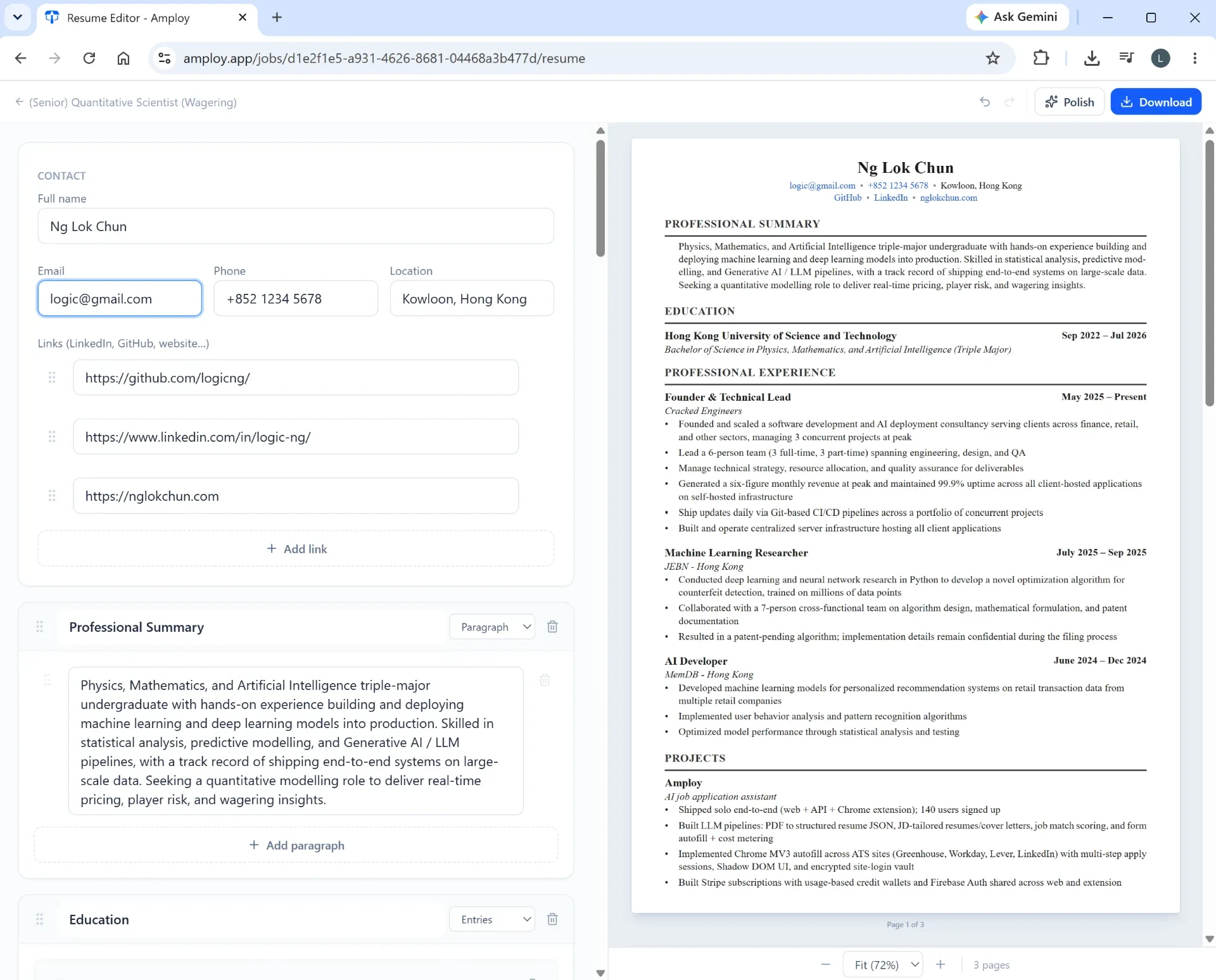
With Amploy's job tracker, the pipeline sits right next to each tailored resume and cover letter. That single change removes a whole category of busywork: the materials aren't in a separate folder, because they're attached to the application they belong to. You can see at a glance what's saved, what's applied, and what's moving toward an interview.
The bigger difference: what happens before you hit "apply"
Here's the part a spreadsheet can never replicate. A tracker app can sit inside the application itself.

Autofill means one click fills in your name, phone, work history, and essays from your profile. No retyping the same details into every form, no copy-pasting between tabs.
Cover letter generation produces a first draft that references the role and your real experience — then you edit it into your own voice. No starting from a blank page for every job.

Resume rewriting takes your actual experience and reframes it to match each job description, so the time you'd spend tweaking bullet points for the tenth time goes back to you.
And for the login sprawl? Amploy's password saver stores site logins so you're not locked out of a portal you set up three weeks ago.
So which saves more time?
If you're applying to a small handful of roles, a spreadsheet is perfectly adequate — there's not much to automate.
But the moment you're applying at any real volume, the spreadsheet stops being a time-saver and becomes a second job. It tracks the work without reducing it. The repetitive parts — filling forms, drafting letters, tailoring resumes, remembering which file went with which job — are exactly where the hours go.
That's the gap a job tracker app fills. Amploy is built on a blunt premise: hiring is broken, and volume wins. Rejections usually aren't personal — the people landing interviews are simply applying more, faster. A spreadsheet lets you log that effort. A job tracker helps you actually do it.
The short version
A spreadsheet is a log. A job tracker app is a workflow. If you want to play the numbers game without burning out, you need the second one — because the work that eats your time happens before you ever fill in that status column.