Job Tracking Spreadsheet Mistakes That Cost You Interviews
You started a job tracking spreadsheet because you wanted to stay organized. But somewhere between tab three and the fortieth row, the spreadsheet stopped working for you and started working against you. These are the mistakes that quietly cost people interviews — and how to fix them.
Mistake 1: Tracking jobs you never actually applied to
Most spreadsheets start with good intentions: a row for every interesting job you found. Soon you have sixty rows and twelve actual applications. Your "pipeline" now measures how many jobs you want, not how many you've pursued.
The fix: every row should exist only after you've submitted. A "Saved" section is fine, but keep it short and separate. Employers can't interview a bookmark.
Mistake 2: No single source of truth for tailored documents
You tailor your resume for each role. You tweak the cover letter. Then three weeks later a recruiter calls about a role, and you can't remember which version you sent — or where it lives. Your desktop has resume_final_v2.docx and resume_final_v2_ACTUAL.docx, and your spreadsheet's "Notes" column just says "sent."
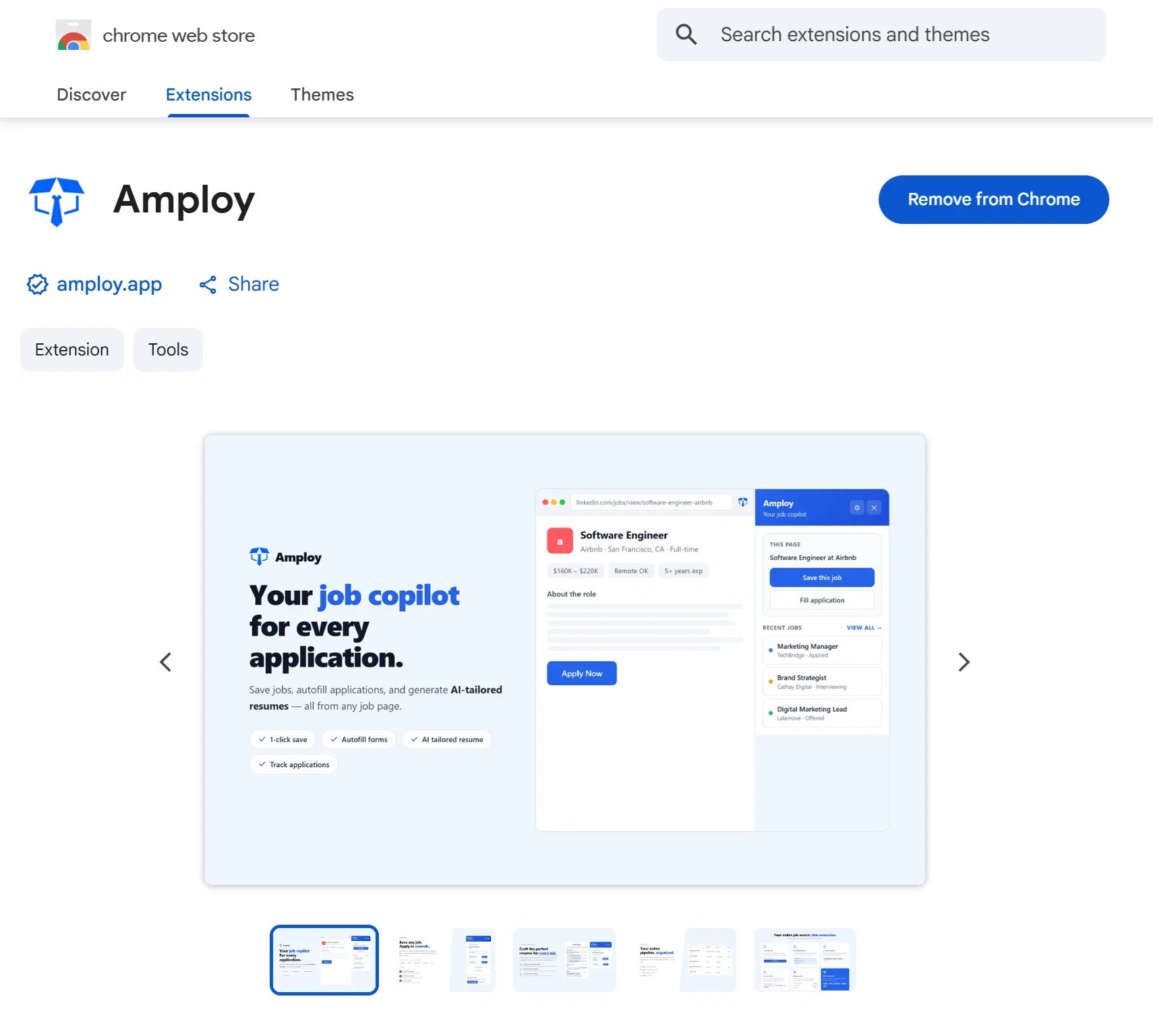
The fix: the tracking record should sit next to the exact resume and letter you used for that job. That's what Amploy's job tracker does — status pipeline (Saved → Applied → Interview → Offer) attached to each tailored resume and cover letter, in the same place.

Mistake 3: Renaming the document files instead of the work
Copying a resume, renaming it, and tweaking the summary line feels like tailoring. It isn't. It's busywork that consumes the time you could spend on more applications — and volume is what moves the needle.
The fix: make tailoring automatic. Amploy rewrites your real experience against each job description, so the tailored version is a starting point, not an afternoon project. Your spreadsheet can't do that; it can only record what you did.
Mistake 4: A spreadsheet status that lies to you
Spreadsheets are passive. They don't remind you that a posting received an application eight days ago, and they don't update themselves when you move from "applied" to "interview." So you either chase emails to reconstruct reality, or you trust stale cells and follow up on jobs that already rejected you.
The fix: log status the moment it changes, in a tool built for it. One click is sustainable; a color-coded conditional format you maintain by hand is not.
Mistake 5: Lost logins eat applications
Every career site wants an account. You have career0.successfactors.com credentials in one notebook, a Workday password in your head, and a portal login on a sticky note. Guess what happens when you're halfway through a promising application and can't remember the password? You submit somewhere else — or submit nothing.
The fix: Amploy's password saver stores site logins so you never forget them, which is exactly where you'll already be — filling in the form.

Mistake 6: Tracking applications but not time
The single number your spreadsheet leaves out is the one that matters: how long each application takes. If one forms takes forty minutes because you're retyping your name, phone, and work history for the ninth time, you're not going to hit the volumes that create interviews. Most roles get hundreds of applicants; the people who land conversations simply apply more, faster.
The fix: remove the retyping. Amploy's autofill fills name, phone, work history, and essays from your profile in one click, so the form stops being the bottleneck.

Mistake 7: Measuring outcomes instead of activity
You count interviews (depressing in a slow month) instead of applications sent and time saved (entirely within your control). A tracker should tell you "you applied to 30 roles this week and spent four hours less than last month" — not just "no interviews yet."
The fix: track inputs. If applications sent is dropping, the tracker tells you before the rejection pile does.
The spreadsheet's real problem
None of this is your fault. A spreadsheet is a general-purpose grid asked to do five different jobs: store doors, draft documents, remember logins, fill forms, and update itself in real time. It's good at exactly one of those.
Amploy is the job-search suite your spreadsheet was pretending to be: autofill, cover letters, resume rewrites, a real status pipeline, and a password saver, in one Chrome extension and website. Stop wasting so much time applying to jobs — let the tool handle the busywork, and keep the grid on your laptop for things that don't decide whether you get an interview.