Job Tracker Apps: Features You Need, Features You Can Skip
Applying to jobs at volume creates its own mess: dozens of tabs, half-finished applications, resumes saved under names like resume_final_v3_DO_NOT_DELETE.docx, and no clear memory of which company you already heard back from. A job tracker app is supposed to fix that. But most trackers ask you to do the tracking and the applying, which means the tool becomes one more chore on the list.
Here's a practical way to separate the features that actually move your search forward from the ones that just look good on a pricing page.
The tracker features that earn their place
A pipeline that matches how hiring actually works
You don't need a kanban board with fifteen custom columns. You need four honest states: saved, applied, interview, offer. Anything more granular becomes a data-entry hobby. The test is whether you can glance at the pipeline and instantly answer "what needs my attention today?"

Each application stored next to its tailored materials
The single most useful thing a tracker can do is remember which resume and which cover letter went to which role. When a recruiter calls three weeks later, "I sent you my resume" isn't good enough — you need to know exactly what they're looking at. A tracker that keeps each tailored resume and letter attached to its application saves you from that small panic.
Status that updates from the application itself
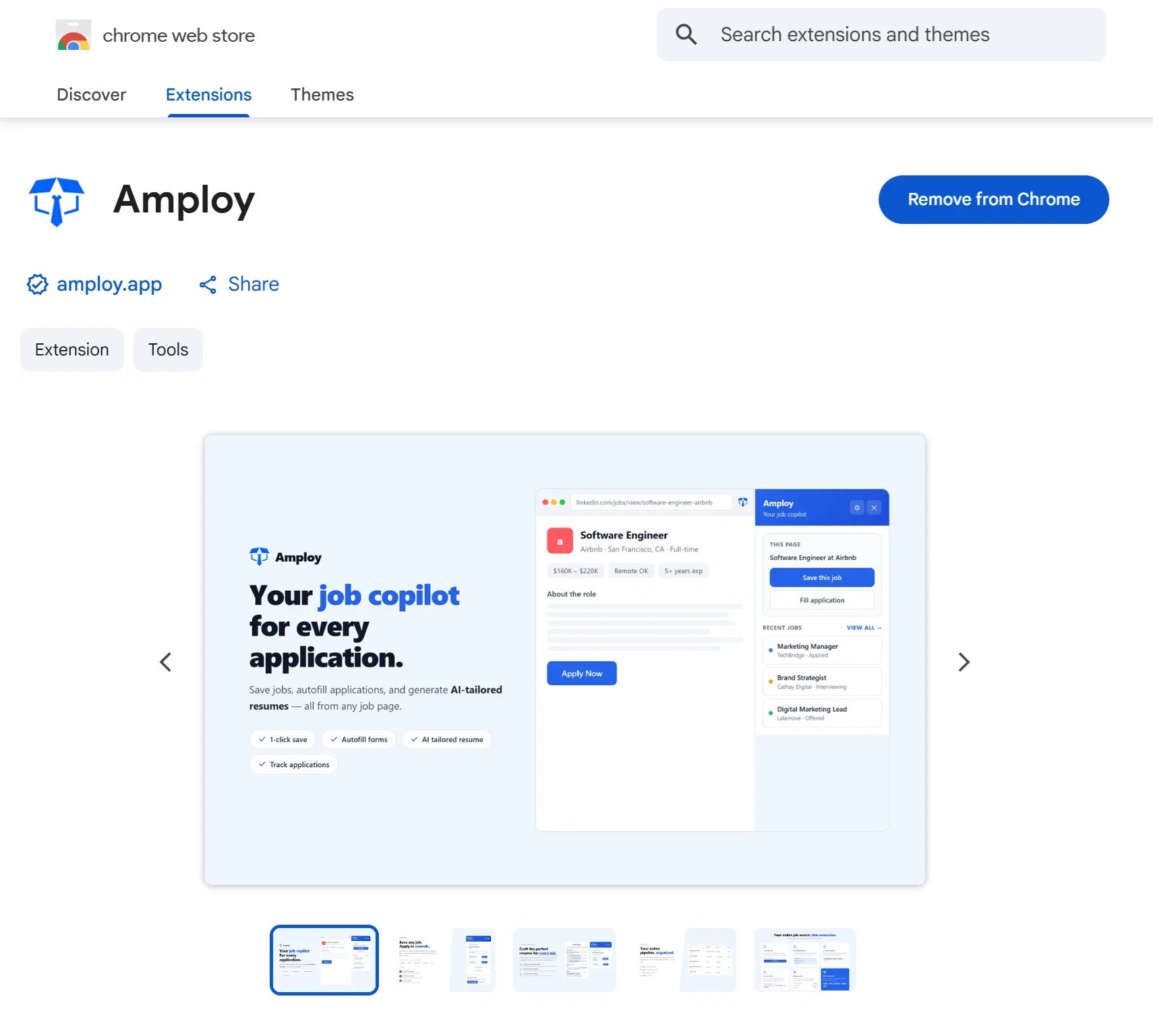
If you have to manually log every application after the fact, you'll stop doing it around application number nine. The best trackers capture the application as it happens, so the pipeline fills itself. That's why Amploy's tracker sits alongside the autofill and tailoring tools rather than in a separate tab you have to remember to visit.
Easy export and search
You'll want to search your history ("did I already apply to this company?") and eventually export it. If a tool locks your application history into a format you can't get out of, that's a warning sign.
Features you can safely skip
- Complex analytics dashboards. A conversion-rate chart for a job search of 30 applications will not tell you anything actionable. You already know you need more applications, not more charts.
- Collaboration and team seats. Unless you're job searching with a coach who specifically asks for shared access, you're paying for seats you'll never use.
- AI match scores used as a gate. A percentage score can be a useful nudge, but treating it as a filter ("only apply above 80") is how people talk themselves out of roles they'd have gotten. Volume wins; don't let a score do the deciding for you.
- Reminder spam. You don't need a push notification for every pipeline change. One gentle nudge about a stuck application is plenty.
The hidden cost of tracking without applying faster
Here's the trap: a tracker makes you feel organized without making you more competitive. You can maintain a beautiful pipeline of twelve applications and still lose to someone who sent forty. Hiring is broken and volume wins — the people who land interviews simply apply more, faster.
That's the gap Amploy was built to close. The tracker isn't a standalone spreadsheet with nicer colors; it lives next to the tools that actually get applications out the door:
- Autofill drops your name, phone, work history, and essays into the form in one click.
- Resume rewrite takes your real experience and reframes it for each job description.
- Cover letter generation produces a first draft that references the role and your actual background, ready for your voice.
- Password saver keeps one saved login per career site, so you're not resetting a password every time you return to a portal.

The point is that every application you send lands in the tracker already attached to its tailored resume and letter — no double entry, no guessing what you sent where.
A quick checklist before you commit
When you evaluate any job tracker app, ask:
- Can I log an application in under five seconds — ideally without leaving the page?
- Are the resume and cover letter I used visible on the same screen as the status?
- Does the status view show me only what's actionable?
- Can I get my data out?
- Does the tool help me apply more, or just organize less?
If a tracker passes all five, it's earning its keep. If it fails on the fifth, it's a very tidy dead end.
The bottom line
Trackers matter, but only as the memory layer of a high-volume search. Pick the boring, fast pipeline, skip the dashboards and collaboration seats, and put your effort where it actually changes outcomes: getting more tailored applications out the door each day. Amploy bundles the tracker with the autofill and tailoring tools that do exactly that — so the organizing happens automatically and the applying gets faster.