
Job Search AI: Where It Helps, Where It Hurts, and How to Use It Well
Job search AI has gone from novelty to default. Most candidates now have access to something that will draft a cover letter, rewrite a bullet point, or fill in a form. The tooling is genuinely useful — but it's also easy to use badly, in ways that quietly cost you interviews.
Here's a practical look at where AI actually helps in a job search, where it hurts, and how to get the balance right without spending your evenings copy-pasting between tabs.
Where job search AI actually helps
Drafting, not deciding
The strongest use of AI in a job search is first-draft work. A blank cover letter box is a momentum killer. A tool that produces a rough opening paragraph referencing the role and your own experience removes that friction — you're editing instead of staring.
The same goes for rewriting your resume bullets against a specific job description. AI is good at rephrasing "managed a team" into language that mirrors what the posting asked for. You still need to check that the claim is true.
Volume without the burnout
The uncomfortable reality of hiring: most roles attract hundreds of applicants, and rejections are usually a numbers problem, not a verdict on you. The people who land interviews tend to be the ones who applied to more roles, faster.
AI helps most at exactly this layer — the repetitive part. Autofilling your name, phone, work history, and standard essay answers across dozens of applications is pure busywork. Removing it is the difference between applying to five roles a week and twenty.
Keeping track of what you've actually sent
A quieter benefit: AI-assisted workflows make it easier to keep a record. When every application produces a tailored resume and letter, you need somewhere to store them — otherwise you're guessing which version went to which company when the interview invite arrives.
Where job search AI hurts
Generic output, generic results
The fastest way to waste an AI tool is to let it write without your input. A cover letter that could have been sent to any company reads exactly like one — and recruiters spot it immediately. AI drafts are a starting point for your voice, not a replacement for it.
Claims you can't defend
AI will happily embellish. If a rewritten bullet implies experience you don't have, that's a problem that surfaces in the interview, not the application. Every line an AI touches should be something you could talk about for five minutes unprompted.
Tool sprawl
A chatbot in one tab, a resume builder in another, a spreadsheet for tracking, a notes app for passwords. The overhead of managing the tools can quietly exceed the time they save. The fix is consolidation — one place where tailoring, applying, and tracking live together.
How to use AI well in your job search
- Start from your real profile. The quality of every AI draft depends on the inputs. Fill in your actual work history once, properly, and reuse it.
- Tailor per role, but edit for voice. Use AI to match language and structure; rewrite the sentences that sound like nobody.
- Apply at volume — but only to roles you'd take. Speed is an advantage only if it's pointed at the right postings.
- Track every application alongside its tailored documents. You'll want them when the callback comes.
- Keep logins somewhere you'll find them. Career sites multiply fast, and a forgotten password at the wrong moment is a silly way to lose momentum.

How Amploy fits into this
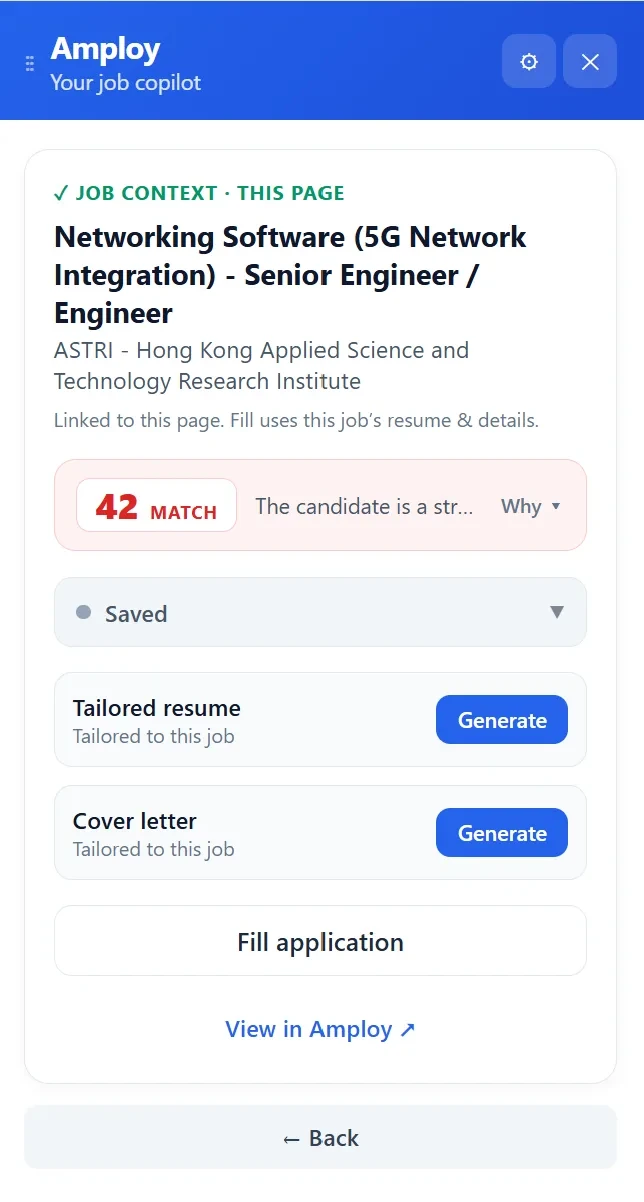
Amploy is built for exactly the middle ground described above: AI that removes the busywork without removing you from the application. The Chrome extension and website handle the repetitive parts of applying so you can put your energy into the roles that matter.
- Autofill fills your name, phone, work history, and essays from your profile in one click.
- Cover letter generates a first draft that references the role and your real experience — editable so it still sounds like you.
- Resume rewrite reworks your actual experience to match each job description.
- Job tracker keeps a status pipeline (Saved → Applied → Interview → Offer) next to each tailored resume and letter, so nothing gets lost.
- Password saver stores one login per career site, so you're never locked out of an application portal mid-flow.

The point isn't to let AI apply for you. It's to stop losing hours to forms, so you can play the numbers game without burning out — and keep every application organised enough to follow up on.
The short version
Job search AI helps most with drafting, tailoring, and the repetitive mechanics of applying. It hurts when it writes without your input, invents claims you can't defend, or scatters your search across five disconnected tools. Use it as leverage on the parts of the process that don't need your judgement — and keep your own voice on the parts that do.
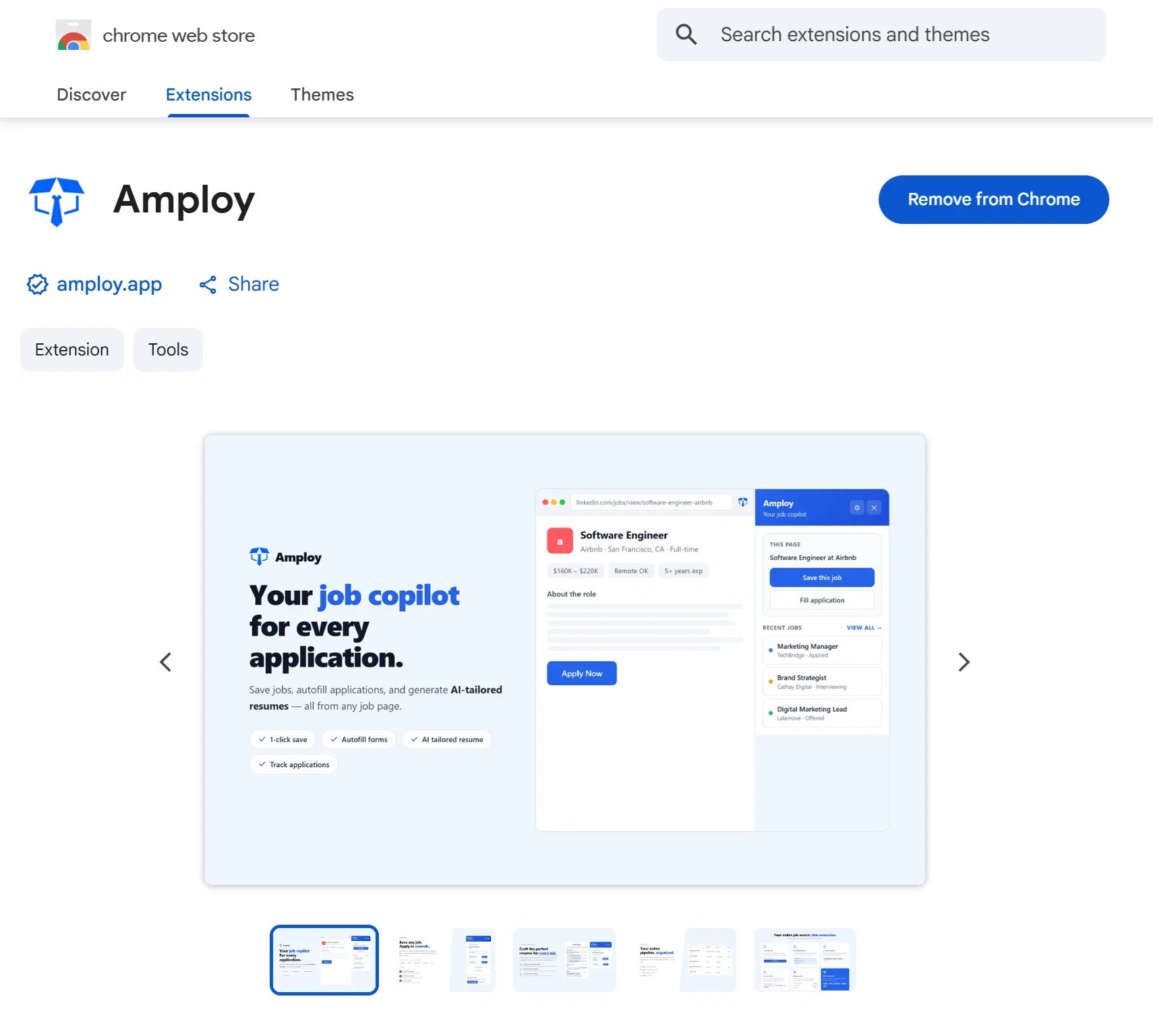
If you want to see what that looks like in practice, Amploy is available as a Chrome extension and on the web. Set up your profile once, and the next application gets a lot shorter.