Internship Spreadsheet Template: What to Include and Why
Applying to internships is a numbers game, and the numbers are brutal. Popular programs can pull hundreds of applicants per opening, which means the people who land offers usually aren't the smartest in the pool — they're the ones who applied to more places, faster, without letting track of everything. A spreadsheet won't write your cover letters for you, but it will stop applications from slipping through the cracks. Here's what an internship spreadsheet template should include, and where it fits into a job search you can actually sustain.
Why bother with a spreadsheet at all?
A spreadsheet is the cheapest CRM you'll ever own. Duplicated applications, missed follow-up emails, and internships you saved and forgot about are the most preventable losses in a job search. More importantly, a single place to see every opportunity makes the volume game feel manageable: you can open one file, see 40 open threads, and know exactly what's next instead of relying on a browser history full of dead tabs.
Start with the core columns
Keep the template lean at first. Every column should earn its keep — if it doesn't change what you do next, it's noise.
- Company and Role — the basics.
- Location / Remote status — so you can filter what you'll actually take.
- Deadline — the single most useful date on the sheet.
- Date saved / date applied — tells you how long things have gone cold.
- Status — keep it to a fixed set: Saved → Applied → Interview → Offer (plus Rejected, so the history stays honest).
- Next step — a follow-up date, a take-home assignment, a recruiter to email. One line.
- Link to the posting — for when you need to reference the description again.
- Contact — the name of a recruiter or referral, if there is one.
- Resume/letter version — so you know which tailored documents went where.
Track the documents, not just the companies
This is where most spreadsheet templates fall short. An internship spreadsheet isn't just a list of places — it's a record of what you sent each one. If you rewrite your resume and cover letter per role (and for competitive internships, you should), you need to know which version went out where before an interview call comes in.
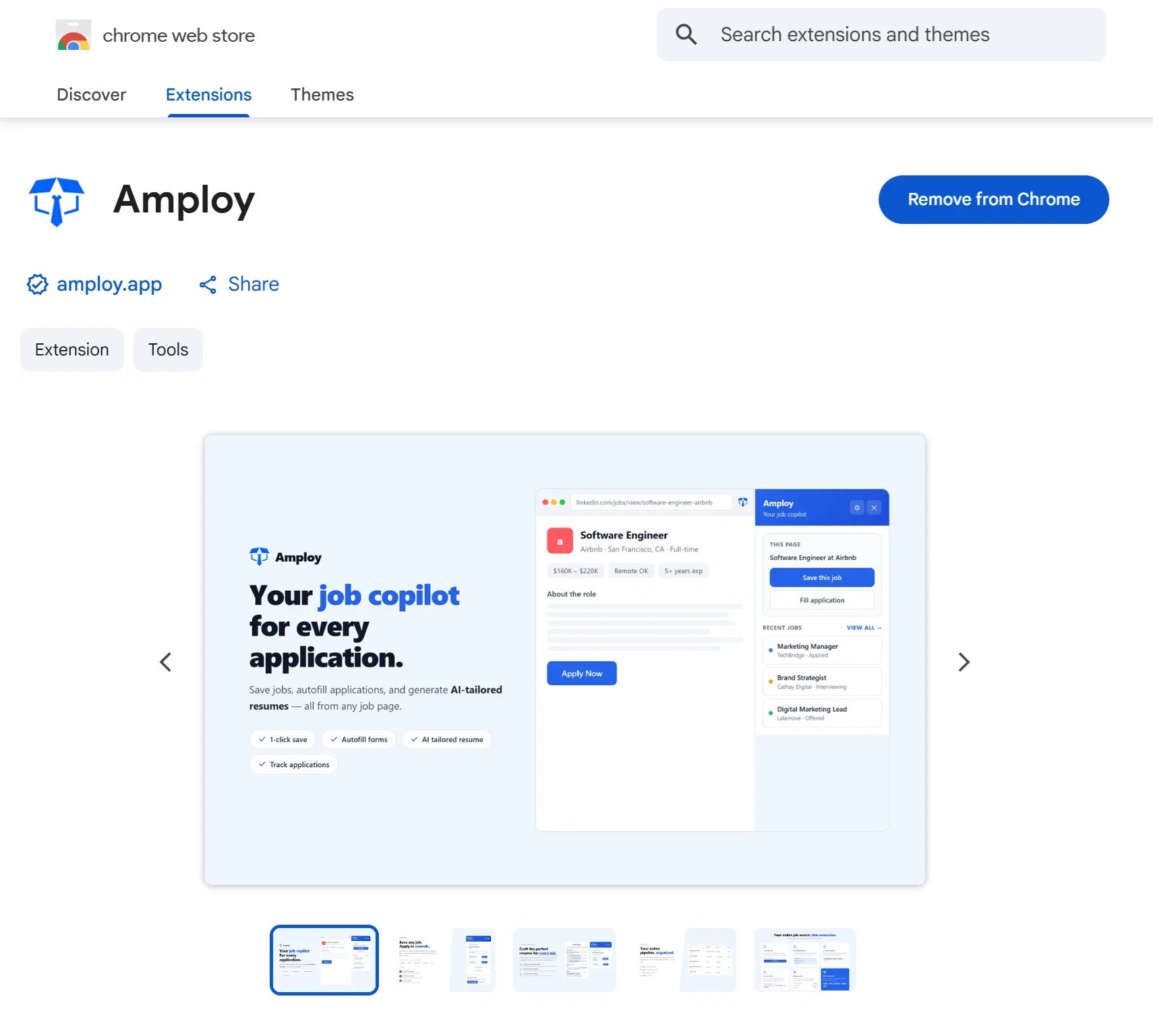
That's exactly the load Amploy takes off your plate. Its tracker keeps each tailored resume and cover letter next to the job it was built for, so the spreadsheet and the documents live in one flow: Saved → Applied → Interview → Offer.

Stop hand-rewriting every cover letter
The time cost of applying is not clicking submit — it's drafting. A first draft that references the role and your real experience takes minutes with Amploy, then you edit for your own voice. That's the difference between applying to three internships a week and applying to ten.
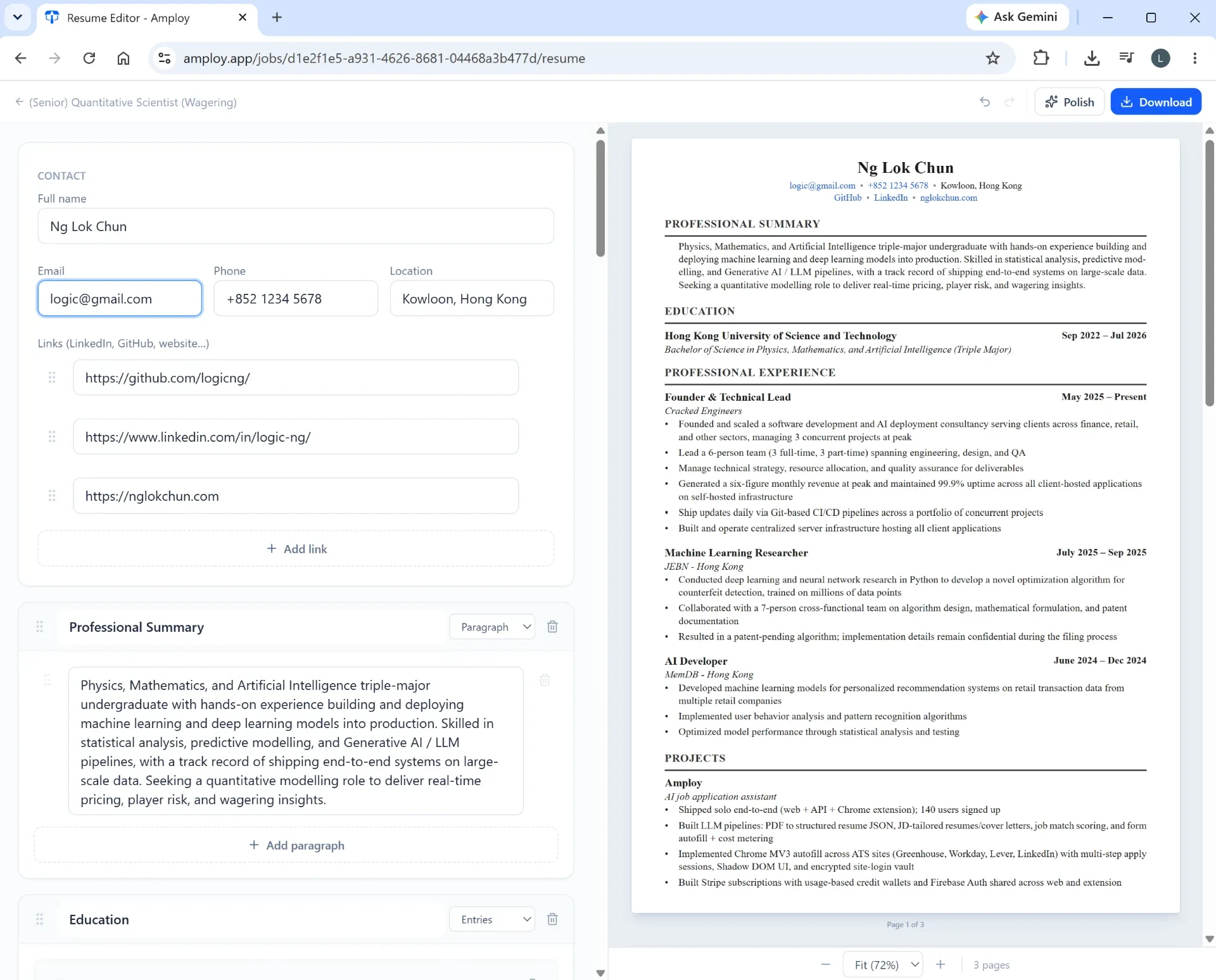
Same goes for your resume: Amploy rewrites your real experience to match each job description, so the version you track is always tailored. No more wondering whether you sent the generic copy or the one aligned to the specific posting.

Fill the form, not your mental energy
Every internship portal asks for the same information: name, phone, work history, essays. Twenty minutes of retyping per application adds up fast. Amploy's one-click autofill handles the repetitive fields from your saved profile, so you can spend the time on the one essay that actually needs judgment.

And because internship portals often live on separate career sites with fresh logins, Amploy saves your site passwords too — one saved login per career site, so you're never locked out mid-application and back in your inbox resetting something.

Build a weekly review into the sheet
A template only works if you look at it. Block 15 minutes once a week to:
- Sort by deadline and apply to the soonest first.
- Look for rows stuck in Saved for more than a few days — send them or drop them.
- Check next steps: follow up, prep for interviews, or thank-you notes.
- Glance at the Rejected rows so you don't reapply to a posting you've already been turned down for.
That's it. No elaborate dashboards, no color-coding spiral. The system should make you apply more, not spend more time organizing.
Ready to fill the sheet faster?
An internship spreadsheet template is the skeleton; the real work is the applications that go into it. Amploy is the tool that gets you through them — tailored cover letters, rewritten resumes, one-click autofill, and a tracker that keeps everything in the same place. Download the Amploy Chrome extension and let the spreadsheet do the tracking while you do the applying.