
Internship Spreadsheet Template vs. an App: Which Suits Your Search?
Applying for internships is a volume game, and most students learn that the hard way. You send ten applications, hear back from one, and start wondering what's wrong with your resume. Meanwhile, the people landing interviews are usually just applying to more roles, faster.
That's where the tooling question comes in. Do you track everything in a spreadsheet template, or do you hand the busywork to an app? Here's a straight comparison, plus how Amploy fits into the picture.
What an internship spreadsheet template does well
A spreadsheet is the classic internship tracker, and it earns its popularity:
- It's free and familiar. Almost everyone already knows how to use one.
- It's fully customizable. Columns for company, role, deadline, status, contact, and notes — whatever you need.
- It keeps everything in one place. At a glance, you can see what you've applied to and what's still pending.
- It's easy to share. A friend or career advisor can open it without an account.
If your search is small and casual — five or six applications over a semester — a spreadsheet is genuinely enough.
Where the spreadsheet starts to crack
The problem isn't the tracker. It's everything around it.
A spreadsheet can record that you applied to a role, but it can't help you apply. Every application still means retyping your name, phone number, work history, and education into yet another portal. Many internship applications also ask for a short essay or cover letter, so you're rewriting the same paragraphs with slight variations for each posting.
Then come the smaller frictions that add up:
- Tailoring takes time. Rewriting your resume for each job description is the thing that actually improves your odds, and it's also the thing most people skip when they're tired.
- Passwords get lost. Career portals, university job boards, company accounts — each with its own login. Resetting a password becomes a five-minute detour between applications.
- Tracking drifts. You forget to update the status column, and soon the spreadsheet is out of date.
- Volume stalls. When each application takes half an hour, "apply more" stops being realistic advice.
What an app adds that a template can't
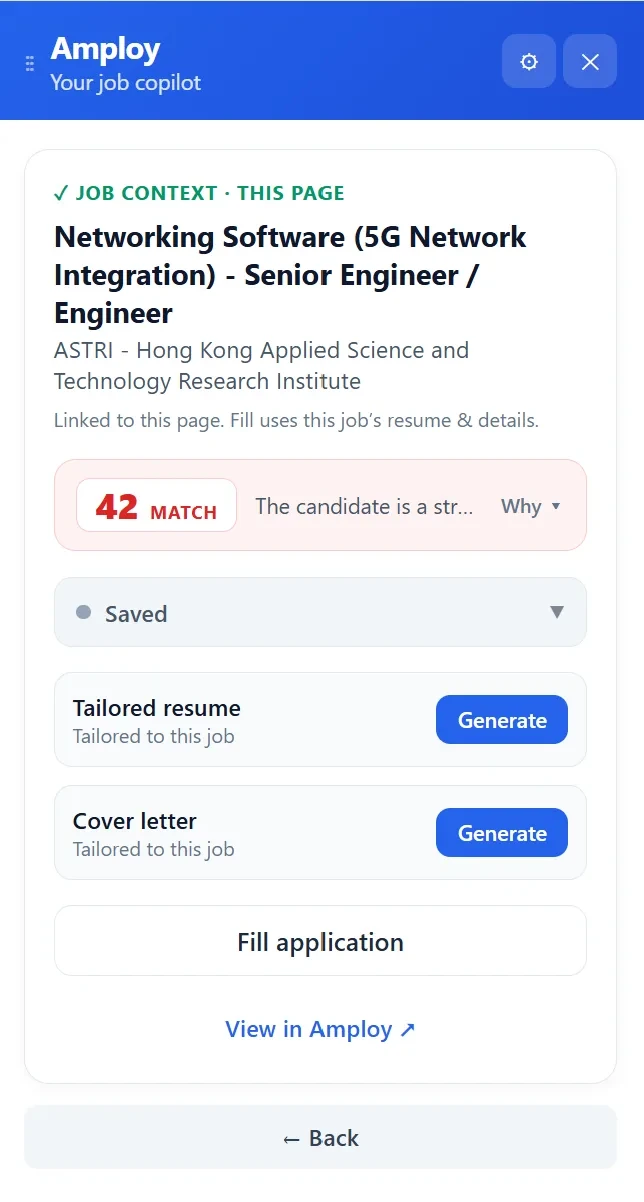
An application tool sits directly on top of the search itself rather than to the side of it. With Amploy — a Chrome extension plus a website — the repetitive parts of applying get handled in the browser:
- Autofill fills name, phone, work history, and essay fields from your saved profile in one click, so you're not retyping the same details on every portal.
- Cover letter generation produces a first draft that references the specific role and your real experience — a starting point you can edit into your own voice.
- Resume rewrite reworks your actual experience to match each job description, so tailoring stops being the step you skip.
- A job tracker shows a status pipeline (Saved → Applied → Interview → Offer) next to each tailored resume and letter, which solves the "my spreadsheet is out of date" problem by keeping the record where the work happens.
For internship hunting specifically, the volume argument matters more than it does for experienced hires. Internships are often posted with short windows and hundreds of applicants; the students who get interviews are usually the ones who applied broadly and tailored consistently. Amploy is built around exactly that: apply to more roles, faster, without burning out.
Spreadsheet or app? A quick way to decide
Neither tool is wrong — they solve different problems.
A spreadsheet template makes sense if:
- You're applying to a handful of roles in one semester
- You want a simple, free overview with no setup
- You're not yet comfortable sharing your profile with a tool
An app makes sense if:
- You're applying to many internships at once, or plan to over a season
- You keep losing time to retyping and rewriting
- You want tailoring to happen on every application, not just the ones you care most about
- You've ever lost a portal password mid-application
Many people end up using both: a spreadsheet for the high-level plan, an app for the day-to-day execution. But if you have to pick one, ask yourself which task is actually slowing you down — keeping records, or doing the applications. If it's the second, a tracker alone won't fix it.
Getting started with Amploy
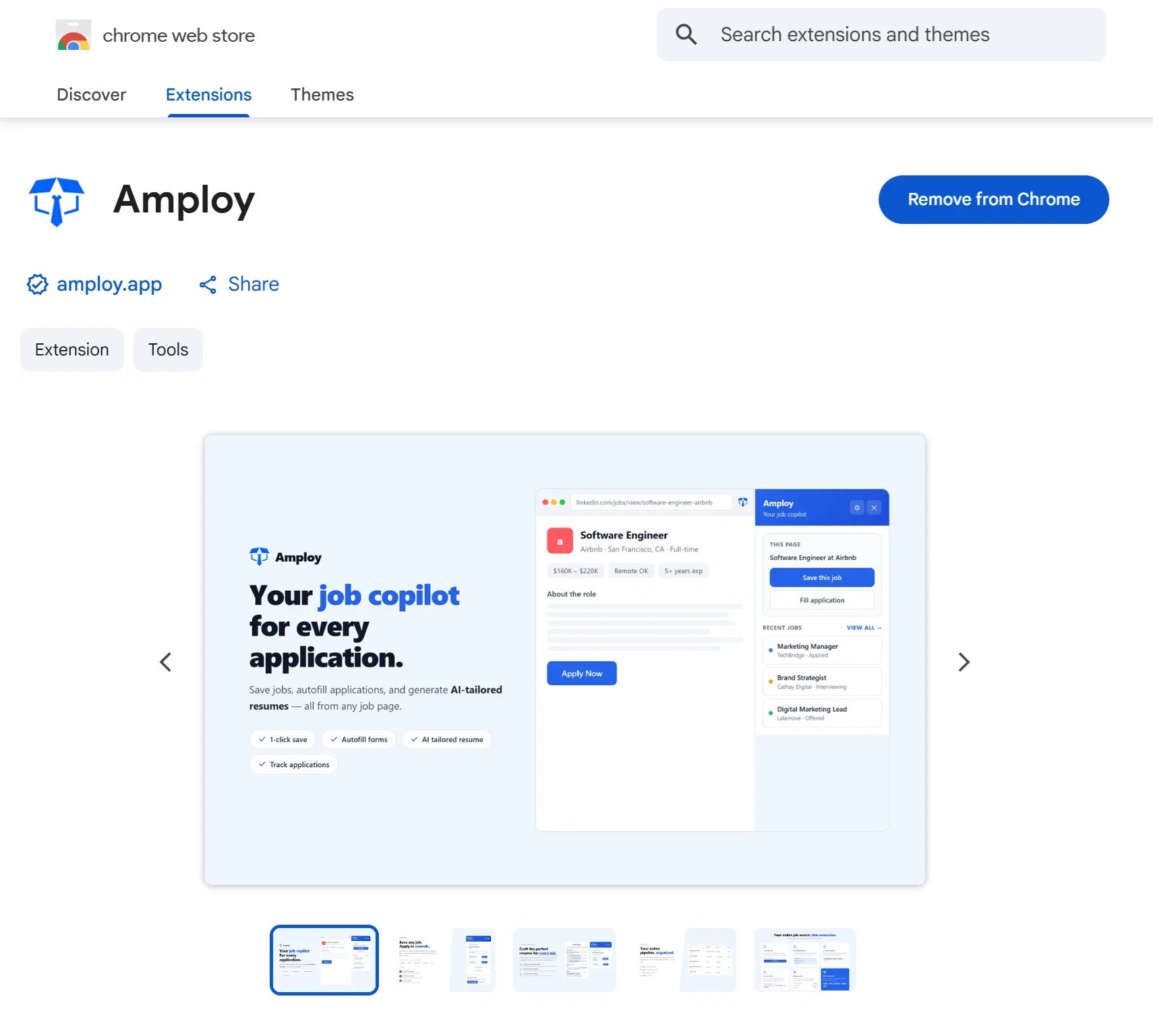
The fastest way to see the difference is to install the extension and let it handle a single application. Add your profile once, then use autofill, the cover letter draft, and the resume rewrite on your next internship posting — and watch the tracker fill itself in as you go.
If you're still deciding, start small: keep your spreadsheet for the roles you're genuinely excited about, and use Amploy for the volume. The point isn't to abandon your template — it's to stop letting the busywork decide how many internships you can apply to.