
How to Autofill Workday Applications Without Losing Your Mind
Applying to jobs sounds simple until you hit Workday.
You've tailored your resume, picked the role, and you're ready to go. Then the application form asks you to re-enter your entire work history. Again. By hand. One field at a time.
Workday is one of the most common application systems out there, and it's also one of the most tedious. Here's how to get through it without letting it drain your whole day — and how to keep it from becoming the reason you stop applying.
Why Workday applications feel so slow
Most application systems ask for a few basics and let you upload a resume. Workday asks for more. It wants your profile filled out properly, often across separate sections for contact details, work history, education, and more.
That's fine the first time. It's brutal on the twentieth. When each application eats up a chunk of your evening, the natural response is to apply to fewer roles — which is exactly the wrong move if you're trying to land interviews.
The real cost of retyping everything
The problem with manual Workday entries isn't just the time. It's the momentum.
You finish a tailored resume full of energy. Then you spend the next stretch typing your job history into fields, fighting drop-downs, and re-entering dates. By the time you hit submit, the wind is out of your sails. And the next listing is waiting.
That friction compounds. Every slow form is a small reason to skip today's applications. Do it enough times and volume quietly drops — without you ever making a conscious decision to slow down.
A faster way to fill them out
The fix is to stop re-typing what you've already typed. Amploy is a job-search productivity tool built to remove the repetitive parts of applying, so the slog of a Workday form doesn't eat your momentum.
Autofill the form in one click
With your profile set up, Amploy fills in the basics for you — name, phone, work history, and application essays — in a single click. Instead of a wall of empty fields, you start from a form that's mostly done.

Let the resume match the role
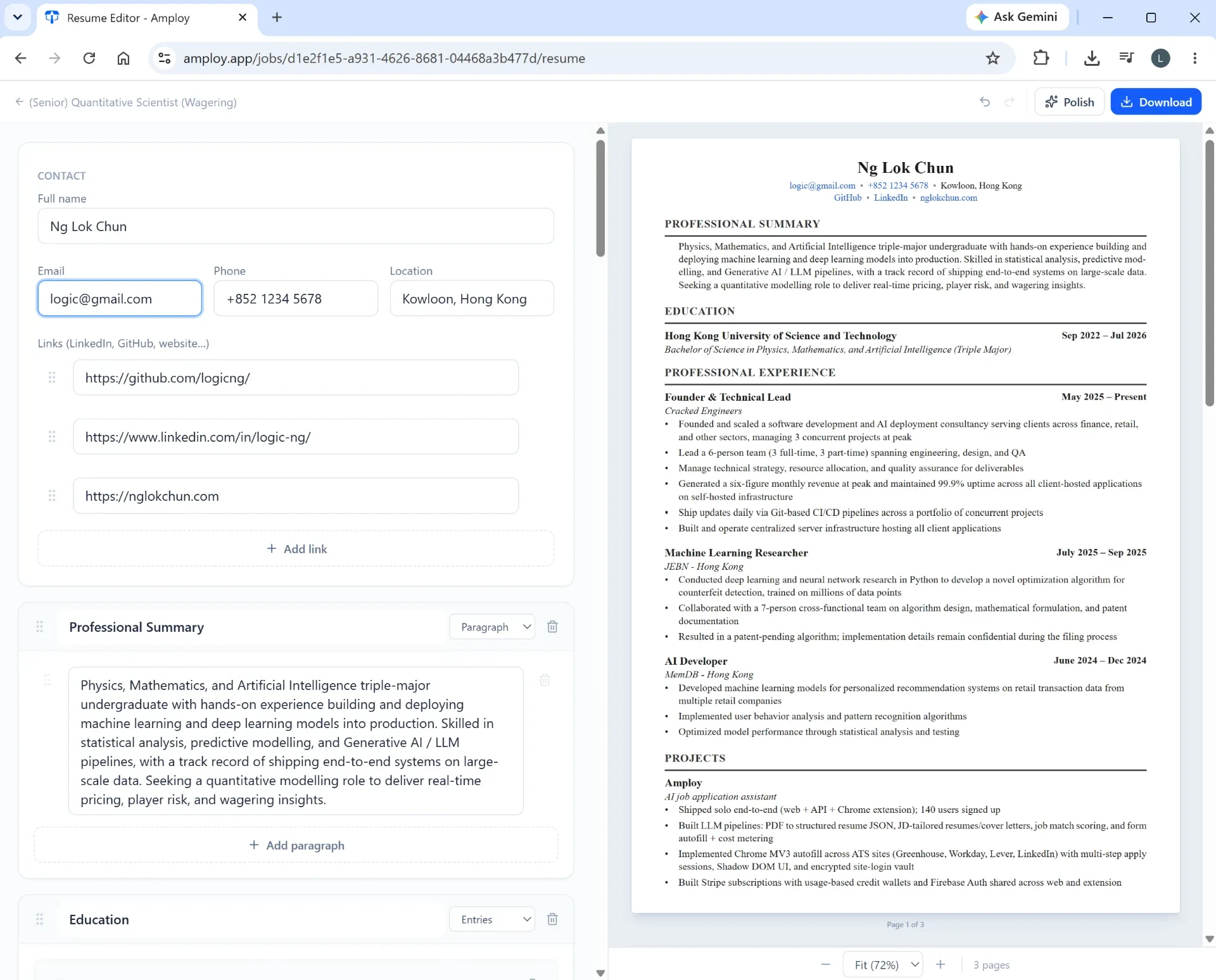
A Workday application usually needs a resume to go with it. Amploy rewrites your real experience to match each job description, so you're not just submitting the same file everywhere or hand-editing it every time.

Get a cover letter draft to edit
If the role calls for a cover letter, Amploy generates a first draft that references the position and your actual experience. From there, edit it to sound like you — the draft handles the blank-page problem.
Keep track of what you've sent where
When you're applying in volume, details slip. The job tracker gives each application a status pipeline — Saved → Applied → Interview → Offer — right next to the tailored resume and letter you sent.

Stop losing your login details
Workday applications often mean creating an account on each company's site. The password saver stores those logins so you're not resetting yet another one every time you apply somewhere new.

A practical routine for Workday-heavy days
Once the busywork is automated, you can batch your applications without burning out:
- Save the roles first. Build a shortlist before you start filling anything in.
- Tailor as you go. Match your resume and, where needed, a cover letter to each role — give each one a real shot without rewriting everything from scratch.
- Autofill the form. Let your profile do the typing on the repetitive fields.
- Submit and update the tracker. Move each application from Saved to Applied so you know exactly where things stand.
- Move on. The point is to keep the pace up. More applications, less time each.
The takeaway
Workday doesn't have to be the thing that makes you quit halfway through a job search. The forms are repetitive by nature — so let a tool handle the repetition and keep yourself focused on the parts that actually need a human: choosing roles and showing up as yourself in each application.
Stop wasting so much time applying to jobs. Handle the Workday slog quickly, apply to more roles, and let the numbers work for you.