How to Add Job Search AI to Your Routine Without Losing Your Voice
Job search AI can save you hours a week — or it can make every application sound like it came from the same robot. The difference isn't the tool. It's how you fit it into your routine.
Here's how to get the speed benefits of AI without handing over the one thing that makes hiring managers remember you: your voice.
Why AI belongs in the job search at all
Hiring is broken. Most roles get hundreds of applicants, and rejections usually aren't personal — the people who land interviews simply apply more, faster. That's the volume game.
AI doesn't change the rules of that game. It removes the busywork: retyping your work history into the same form for the twentieth time, drafting a cover letter from a blank page, rewriting your resume to match yet another job description.
The goal isn't to let AI apply for you. It's to cut the repetitive parts so you have energy left for the parts only you can do.
The voice problem, in plain terms
If you paste a job description into a generic chatbot and send whatever comes out, three things tend to happen:
- Everything sounds the same. Recruiters read a lot of applications. Generic phrasing blends in.
- Details drift. Chatbots can invent or inflate experience when they're not anchored to anything real.
- You stop recognizing yourself. An application you wouldn't say out loud is an application you can't defend in an interview.
The fix is a simple rule: AI drafts, you decide. Treat every AI output as a starting point, not a final answer.
Build a routine that keeps you in control
1. Start from your real profile, not a blank box
Before AI touches anything, make sure your source material is accurate: your work history, your projects, your contact details. Everything downstream is only as good as that foundation.
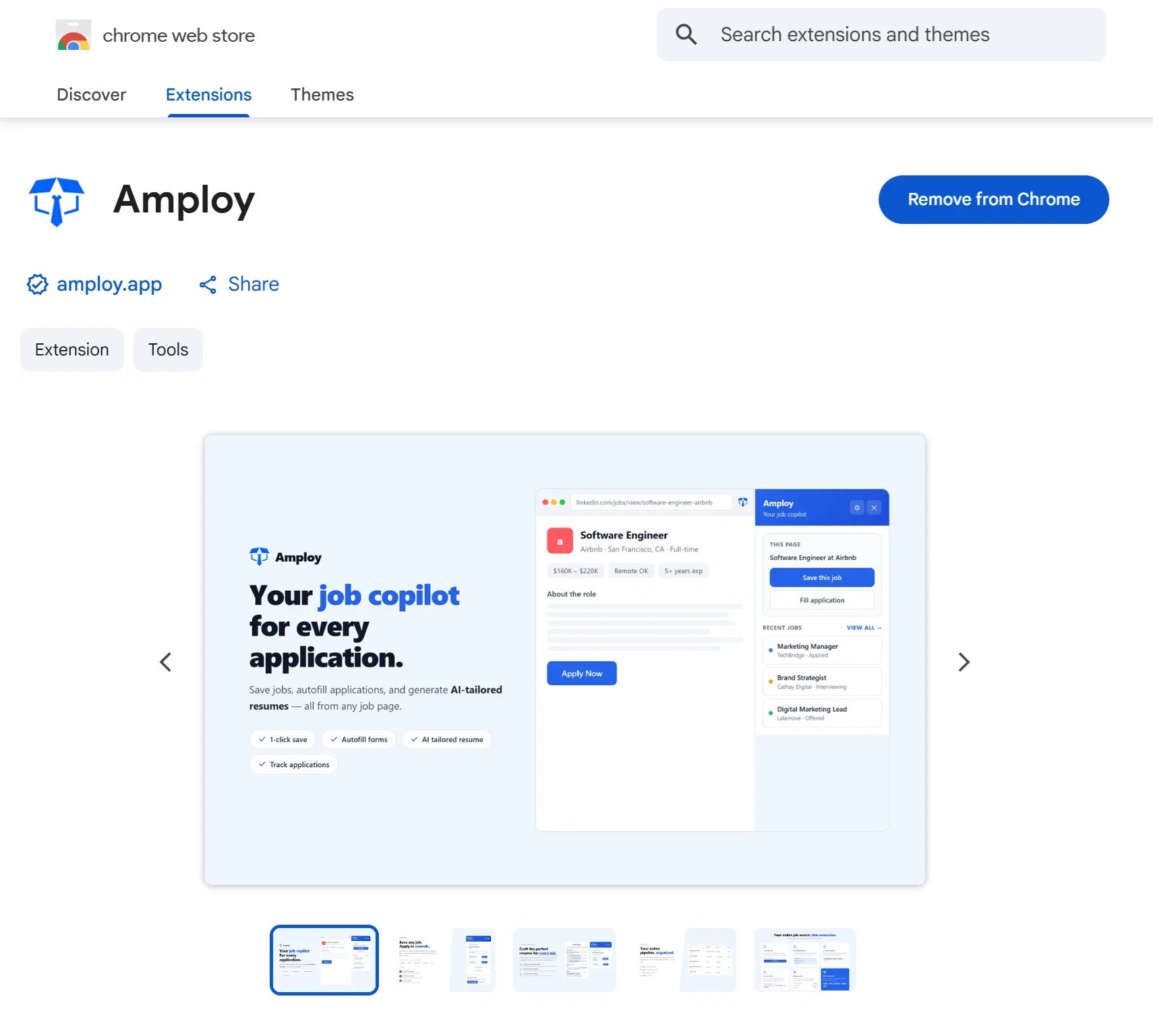
With Amploy, you fill in your profile once. From there, autofill handles name, phone, work history, and essay fields in one click on application forms, so the boring data-entry layer of applying stops eating your evenings.

2. Tailor per role — then read it like a stranger
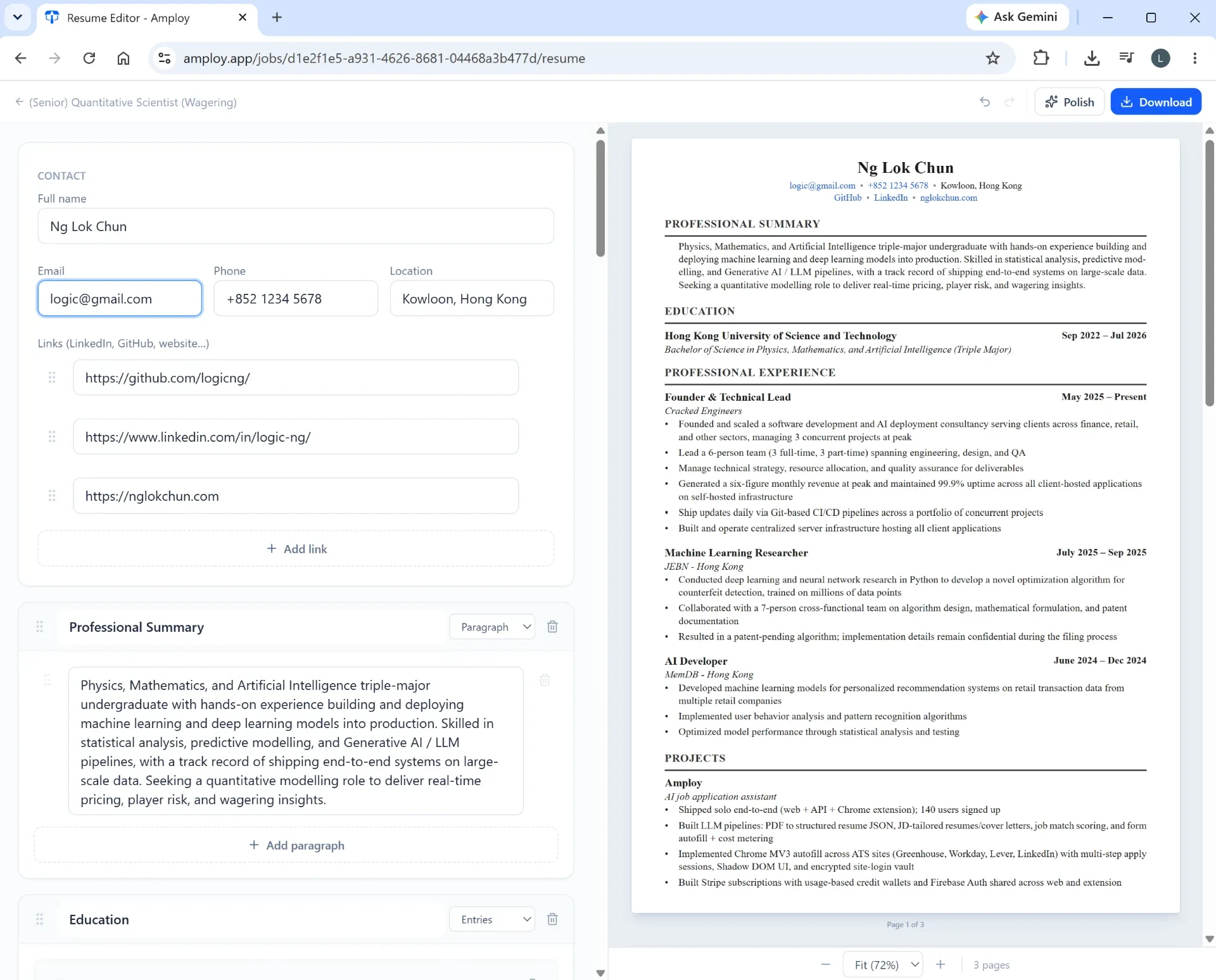
For each job, look at what the description actually asks for. Amploy's resume rewrite reworks your real experience to match that specific job description, and the cover letter tool generates a first draft that references the role and your real background.
Now the important part: edit it. Read the draft out loud. If a sentence doesn't sound like something you'd say, cut it or rewrite it. Swap in a specific detail only you would know — a project outcome, a tool you actually used, a problem you actually solved. That one specific sentence is usually what makes the letter sound human.
3. Keep everything in one place
Voice isn't just tone — it's consistency. You want to remember which version of your resume went to which company, and where each application stands.
Amploy's job tracker keeps a status pipeline (Saved → Applied → Interview → Offer) right next to each tailored resume and letter, so you're never guessing which draft you sent where when a recruiter calls.

4. Stop losing the login, not the plot
A small but real time sink: every career site seems to want its own account. Amploy's password saver stores one saved login per career site, not per job, so you're not resetting a password every time you want to check an application status.

A quick weekly rhythm
You don't need a complicated system. Try this:
- Once: fill out your Amploy profile properly. This is the investment.
- Each application: autofill the form, generate a tailored resume and cover letter draft, then spend a few minutes editing for voice and adding one specific detail.
- After sending: move the application along in the tracker.
- Weekly: review what's in Applied versus Interview. If the ratio feels off, adjust the tailoring — not the volume.
That last point matters. Volume wins, but blind volume wastes everyone's time, including yours. The routine above lets you apply to more roles and keep each one sounding like you.
The bottom line
Job search AI is a productivity tool, not a ghostwriter. Use it to compress the repetitive parts — form-filling, first drafts, chasing logins, tracking statuses — and spend your saved time on the judgment calls: what to keep, what to cut, and what only you can say.
That's how Amploy is meant to be used: play the numbers game without burning out, and without losing the voice that gets you the interview in the first place.