
From Internship Excel Sheet to a Real Tracker: What Interns Should Do Differently
Most interns start their job search with a spreadsheet — and it usually works fine for the first few applications. Then the tab count climbs, deadlines blur together, and you're scrolling through rows trying to remember which version of your resume went to which company.
There is nothing wrong with starting in Excel. It's free, it's familiar, and it's better than tracking nothing. But there's a point where the sheet stops helping and starts hiding information from you. Here's what to keep, what to drop, and how to upgrade to a real tracker without adding more work.
What the internship Excel sheet gets right
The instinct behind the spreadsheet is good:
- You have one place to look. No hunting through email threads.
- You can see the whole picture. Rows are easy to scan.
- You control the format. Add columns the moment you think of them.
The problem isn't the idea — it's that a spreadsheet only stores what you manually type in. The moment you send an application, the sheet depends on you remembering to go back and update it.
Where the spreadsheet quietly breaks down
For an internship search, the volume is real. You might apply to twenty, forty, or a hundred roles across a semester. That's exactly where manual tracking starts failing:
Columns multiply faster than you can fill them. A company column, a role column, a link, a date, a status, a deadline, a contact name. Every new column adds admin to every new row.
Statuses drift out of sync. You mark something "applied" in the sheet but forget to move it forward after a callback. Two weeks later the sheet says "applied" and your inbox says "interview scheduled."
Your documents live somewhere else. The tailored resume you sent isn't in the sheet. So when you follow up, you're guessing which version you actually submitted.
Nothing connects. The sheet doesn't know what job you're applying to next, and it doesn't help you apply. It's a record of work you've already done, not a tool for the work itself.
The upgrade: a tracker that fills itself
A real job tracker should reduce steps, not add them. In Amploy, your pipeline sits right next to the tailored documents you sent — so the status and the evidence live together:
- Status pipeline — Saved → Applied → Interview → Offer, one click per stage.
- Resume and cover letter attached to each role — the exact version you submitted is stored with the application, not lost in a downloads folder.

The key difference from a spreadsheet: you don't have to type "Applied" on a row. The application itself moves the pipeline forward.
Cut the copy-paste with autofill
Most of the time interns spend "applying" isn't spent thinking about the role. It's spent re-entering name, phone, school, work history, and the same short answer over and over.
Amploy's one-click autofill fills forms from your profile:

That's hours saved per internship season — and it means each new row in your search takes seconds, not minutes.
Tailor without rewriting from scratch
Internship applications often ask for a short cover letter or a resume tuned to the posting. Doing that by hand for every role is where most candidates give up and send the same document everywhere.
Instead, Amploy:
- Generates a cover letter draft that references the specific role and your real experience — then you edit it in your own voice.
- Rewrites your resume to match each job description, using what you actually did (projects, coursework, past internships).
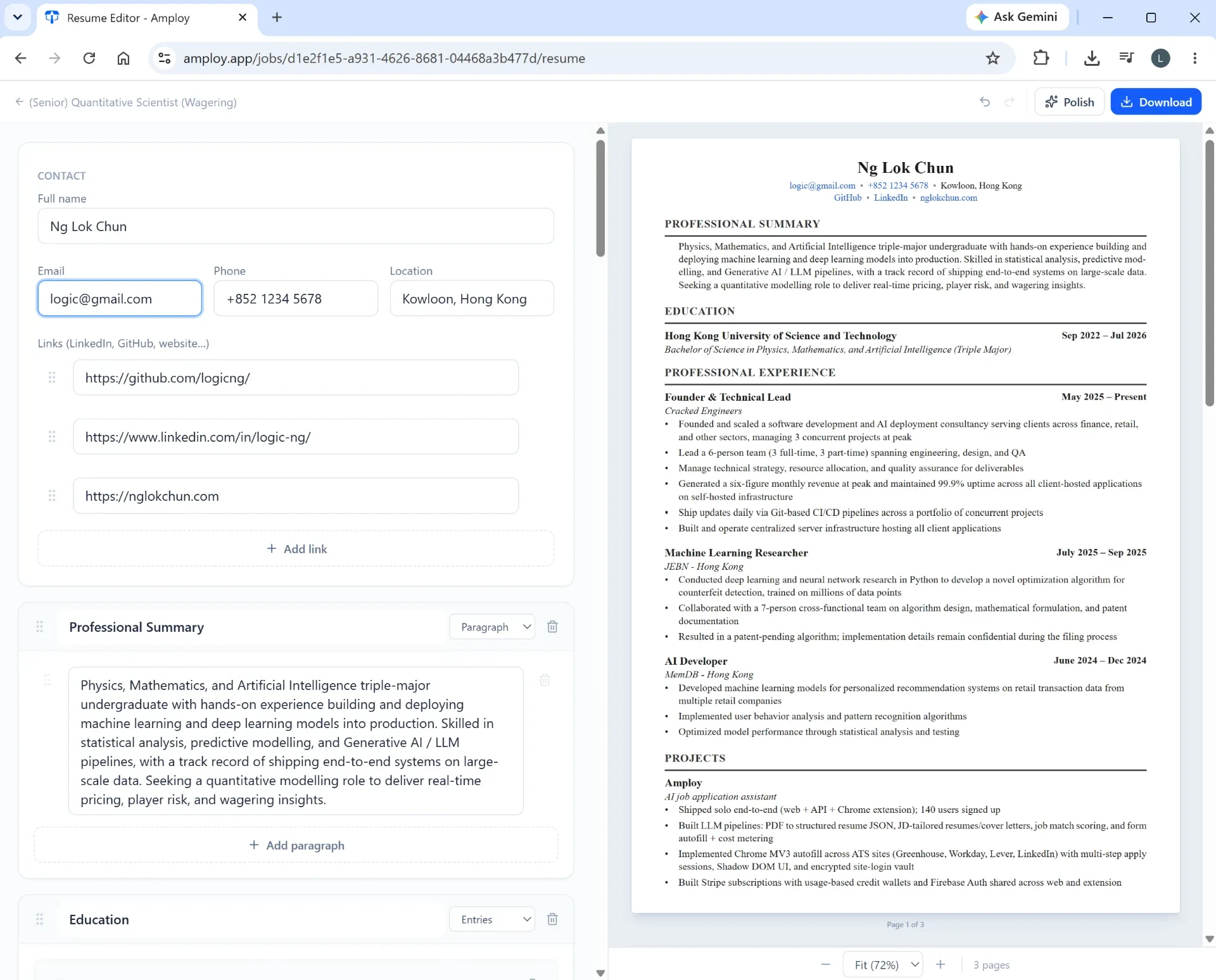
You still review and adjust. The starting point is what gets faster.
Don't lose the logins either
If you're juggling a dozen career sites and portals, a password saver saves real time:

One saved login per career site means you're not resetting passwords when you finally get the callback.
How to migrate your Excel sheet in one sitting
You don't need to abandon the sheet — just use it as a starting point:
- Export or copy your existing rows so you don't lose anything.
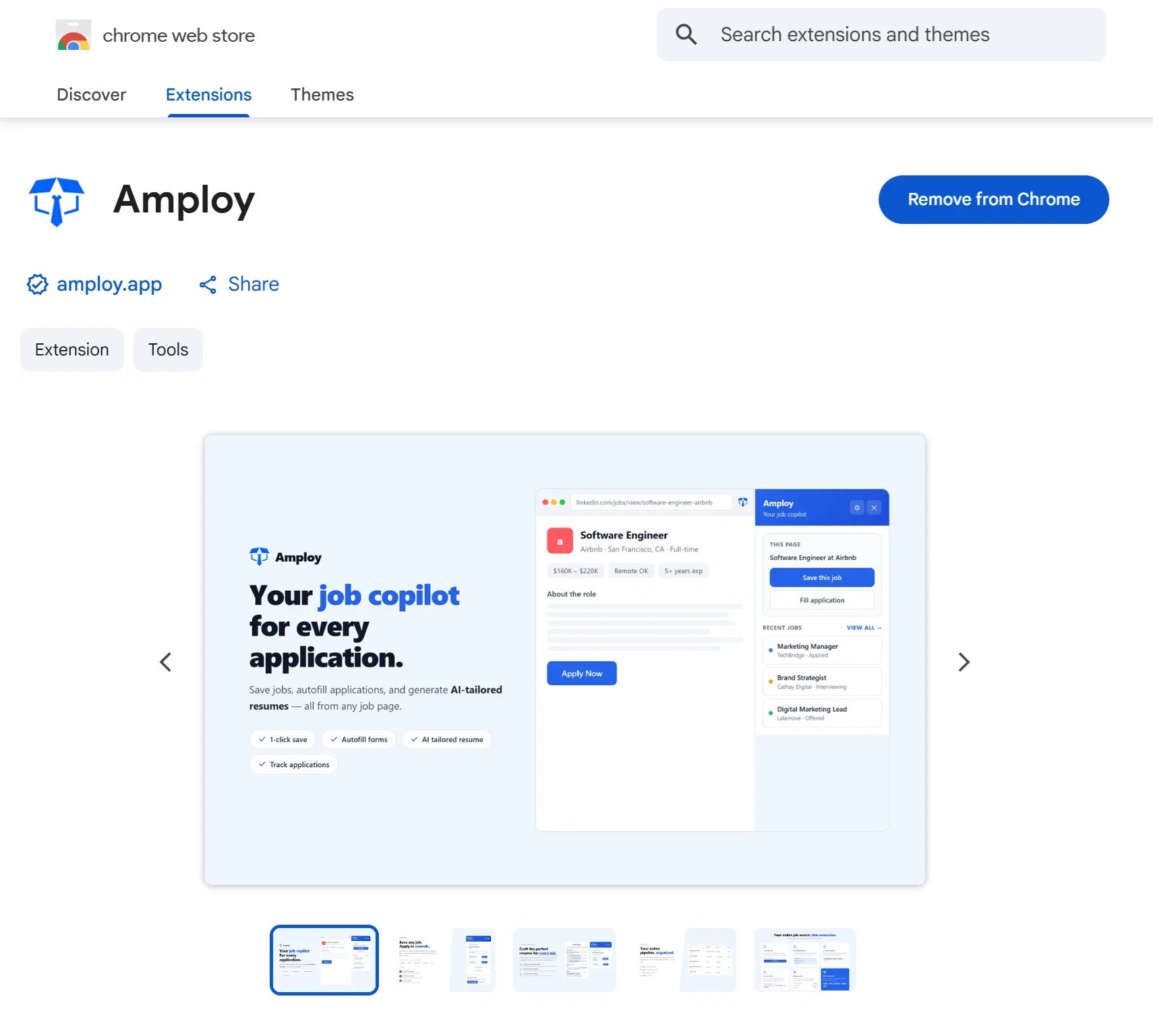
- Sign up and install Amploy from the Chrome Web Store.
- Recreate your active applications in the tracker, attaching the document versions you sent.
- From now on, apply from Amploy — the pipeline updates as you go.
The bigger point
Internship hiring is a numbers game — the people who land offers are usually the ones who applied to more roles, faster, without burning out on admin. An Excel sheet can hold the numbers. It can't help you play the game.
If your spreadsheet is starting to feel like a second job, that's the signal. Move the tracking, the tailoring, and the applying into one place — and you'll spend your time on applications, not on rows.