
Do AI Job Finders Actually Help? An Honest Look at the Tradeoffs
So much of a job search feels like it should be automatable. Retyping your work history. Pasting the same phone number into the same form for the fiftieth time. Rewriting your resume to say the same thing in slightly different words. An AI job finder promises to sweep all of that away — but the honest answer to "do they actually help?" is it depends on what's inside them.
Some tools earn their place in your workflow. Others just generate confident-sounding text that sounds like you but isn't, or flood your inbox with roles you'd never apply for. Here's a clear-eyed look at where AI job tools genuinely move the needle, where they fall short, and how to tell the difference before you trust one with your search.
What an AI job finder is actually doing
The name is a bit of a catch-all. Underneath, these tools tend to do one or more of four things:
- Find and surface roles that match your background.
- Fill out application forms using your saved details.
- Tailor documents — resumes and cover letters — to a specific job description.
- Track what you've applied to and where each application stands.
Those are very different jobs, and the tool that's great at one isn't automatically great at the others. The real question isn't "does AI help?" but which step of the process is actually eating your time — because that's where automation pays off.
Where AI genuinely helps: the repetitive middle
The strongest case for AI job tools is volume. Hiring is a numbers game — roles get flooded with applicants, and rejections usually aren't personal. The people who land interviews are typically the ones who apply to more roles, faster. That math only works if the busywork doesn't burn you out first.
Here's where automation earns its keep:
Filling out application forms. The single biggest time sink. Retyping your name, phone, work history, and essay answers into portal after portal. A good autofill tool does this in one click from a profile you've already built. That's not a gimmick — it's hours back each week.

Tailoring resumes per role. One generic resume sends a lukewarm signal. A rewrite that matches your real experience to each job description sends a better one — as long as it's rewriting what's true, not inventing achievements.

Drafting cover letters. A first draft that references the specific role and your actual background saves you the blank-page tax. The key word is draft — you still edit for your own voice.
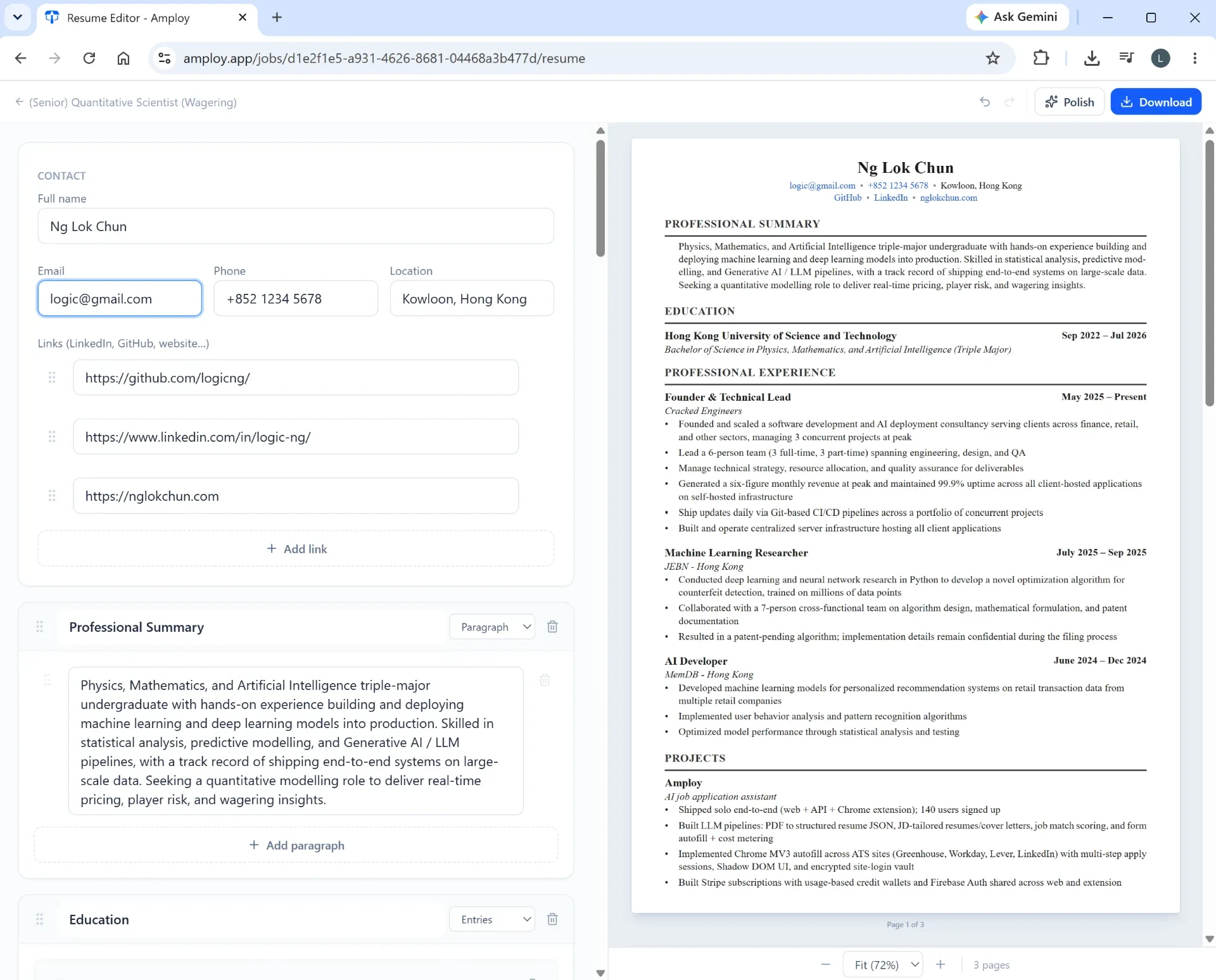
Tracking applications. When you're applying to dozens of roles, "Where did I apply and did anyone reply?" becomes a real problem. A status pipeline (Saved → Applied → Interview → Offer) keeps it straight.

Where AI job finders fall short
An honest look means admitting the tradeoffs.
Generated text can sound like everyone else. If you paste AI output without edits, cover letters start to blend together. Recruiters notice. Treat any auto-generated draft as a starting point, not a finished product.
Finders don't fix a weak profile. A tool that surfaces roles can't make your experience relevant to them. If your materials aren't tailored and strong, more applications just means more rejections, faster.
Over-automation can feel like spray-and-pray. Applying to everything with zero targeting wastes everyone's time — including yours. The best tools help you apply quickly to roles you actually want, not indiscriminately to anything.
You still own the judgment calls. Which jobs are worth your energy? Is this draft in your voice? Does this rewrite still describe what you really did? No tool makes those decisions for you, and you shouldn't want it to.
How to evaluate a tool before you trust it
A simple checklist cuts through a lot of hype:
- Does it use your real experience? Tailoring should mean re-emphasizing what's true — not fabricating.
- Can you edit the output? If you can't make a draft sound like you, it's not finished work.
- Does it cover the whole flow? A tool that fills forms and tailors documents and tracks results saves far more time than one that does a single step.
- Does it live where you apply? A tool that sits in your browser — right on the application form — removes friction an external app can't.
How Amploy fits into this picture
Amploy is built around a specific conviction: stop wasting so much time applying to jobs. It doesn't pretend to find jobs for you. Instead, it automates the repetitive middle of the process — the part that actually consumes your hours.
As a Chrome extension plus website, it does four things that map directly to the tradeoffs above:
- Autofill fills name, phone, work history, and essays from your profile in one click.
- Resume rewrite reshapes your real experience to match each job description — so tailoring doesn't cost an hour per role.
- Cover letter generates a first draft referencing the role and your experience, editable for your voice.
- Job tracker keeps a status pipeline next to each tailored resume and letter.
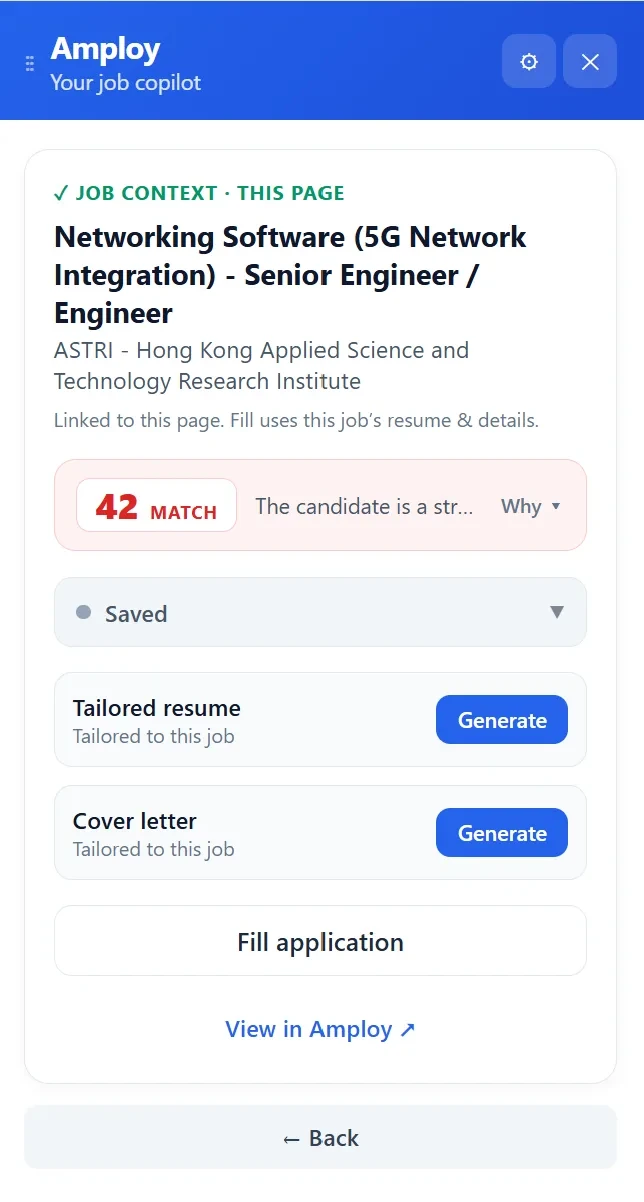
There's also a password saver — one saved login per career site, not per job — so you're never locked out of a portal mid-application. And a job context panel that shows a match score and lets you generate a tailored resume, cover letter, or fill the application right from the page you're on.
The philosophy is deliberate: play the numbers game without burning out. Volume wins — but only when the work behind each application is still real, and still yours.
The honest bottom line
Do AI job finders help? The ones that remove busywork without removing your judgment absolutely do. The ones that just flood you with roles or spit out generic text don't.
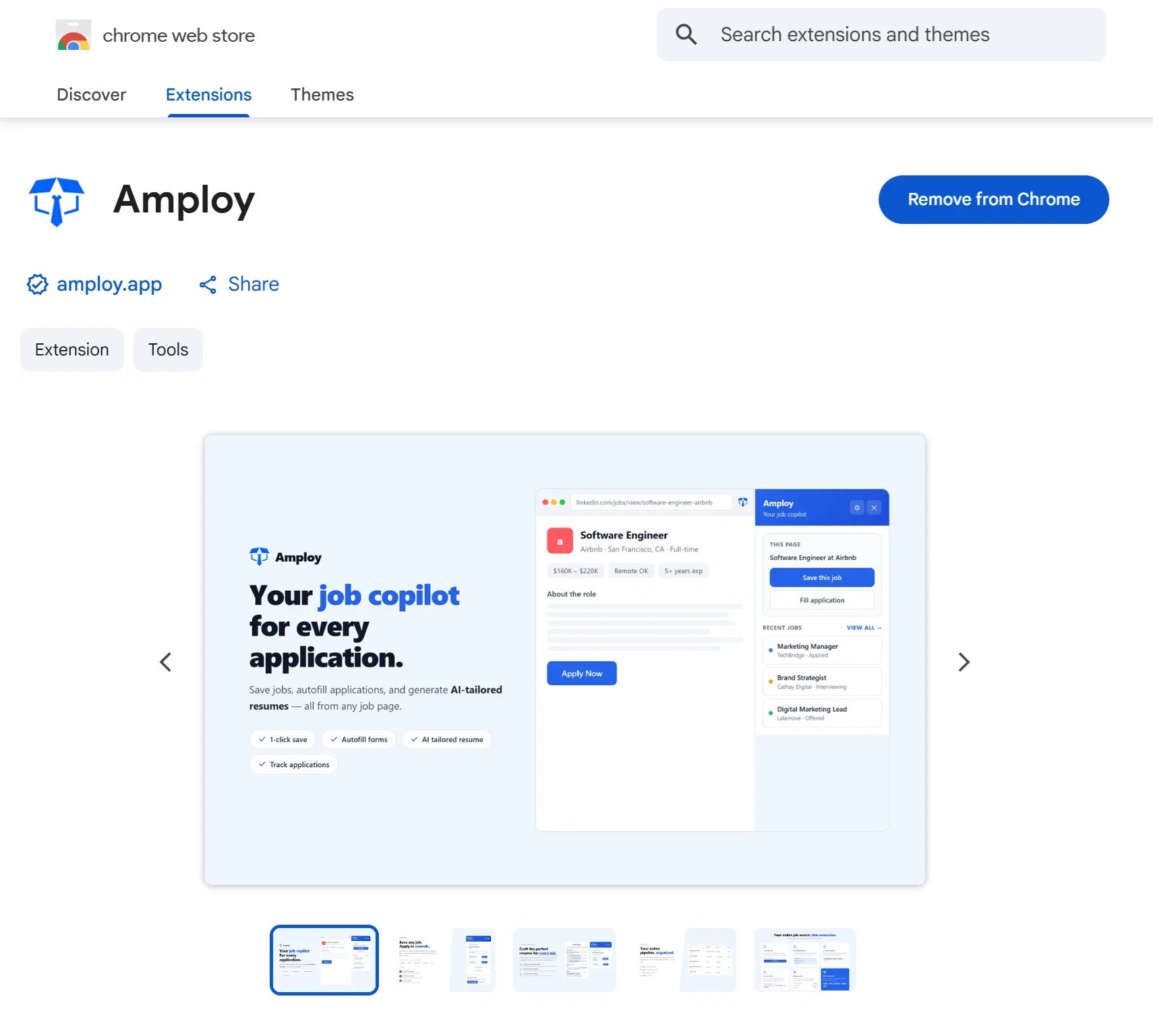
So before you sign up for anything, ask: does this tool cover the repetitive parts — the forms, the tailoring, the tracking — while leaving the decisions to me? That's the tradeoff worth evaluating. If you want a tool that takes the busywork off your plate from the moment you open an application, Amploy is built for exactly that — install the extension and let it handle the repeats, so you can focus on the roles that matter.