
Building a Job Application Tracker That Actually Gets Used
Most job seekers don't abandon their tracker because they're lazy. They abandon it because the tracker asks more of them than the job hunt does. A spreadsheet that needs a fresh row every time you apply, statuses you forget to update, and a document graveyard you can't match to anything — that's a second job.
If you want a tracker that survives past week two, the fix isn't more discipline. It's fewer steps, and a tracker that lives where the applying actually happens.
Start with the real reason trackers get abandoned
A tracker only works if three things are true:
- Updating it takes seconds. If applying and logging are two separate rituals, the logging loses.
- The information is already there. Retyping the company, role, and link you just pasted into an application form is duplicate work.
- It's connected to the documents. A status of "Applied" means nothing if you can't see which resume and cover letter went out with it.
Most trackers fail all three. They're archives, not workspaces.
Track status, not just applications
A list of where you applied is a receipt. A useful tracker is a pipeline.
Keep four simple stages — Saved → Applied → Interview → Offer — and move every role through them. This does two things: it makes follow-ups obvious, and it turns a demoralizing scatter of rejections into a process you can actually read. When you can see ten roles sitting in Applied and two moved to Interview, you know where your energy should go next.
Resist adding more stages. "Recruiter screen," "take-home," and "final round" feel precise but create decisions every time you update. Four stages, moved one click each.
Attach the documents to the row
The single biggest upgrade to any tracker is putting the tailored resume and cover letter next to the application, not in a folder called final_final_v3.
Next time you apply, the question you'll have is "what did I send them?" If the answer requires opening a downloads folder, you'll stop trusting the tracker. If the résumé and letter are sitting beside the status, the tracker becomes the place you check first.

That's the shape of the job tracker built into Amploy: a status pipeline with the tailored resume and cover letter for that role right next to it, so each row is a complete record of what you sent and when.
Remove the logging step entirely
The most-used tracker is the one that fills itself in. Every second you spend re-entering your name, phone number, and work history into a new application form is a second you didn't spend applying to another role — and it's also a second that makes you less likely to log the application at all.
Autofill changes the math here. Fill the form in one click from your profile, and the record of that application is created at the same moment. No tab-switching, no spreadsheet, no retyping.

The less friction between "I found this role" and "it's logged as applied," the more roles make it into the pipeline. Volume is how the numbers game actually works — not heroics on any single application.
Tailor in the same place you track
A tracker that holds untailored applications isn't telling you the truth. If every row went out with the same generic resume, your pipeline is measuring effort, not fit.
So keep tailoring inside the workflow. Have Amploy rewrite your real experience against each job description and draft a cover letter that references the role and your actual background — then edit it so it sounds like you.
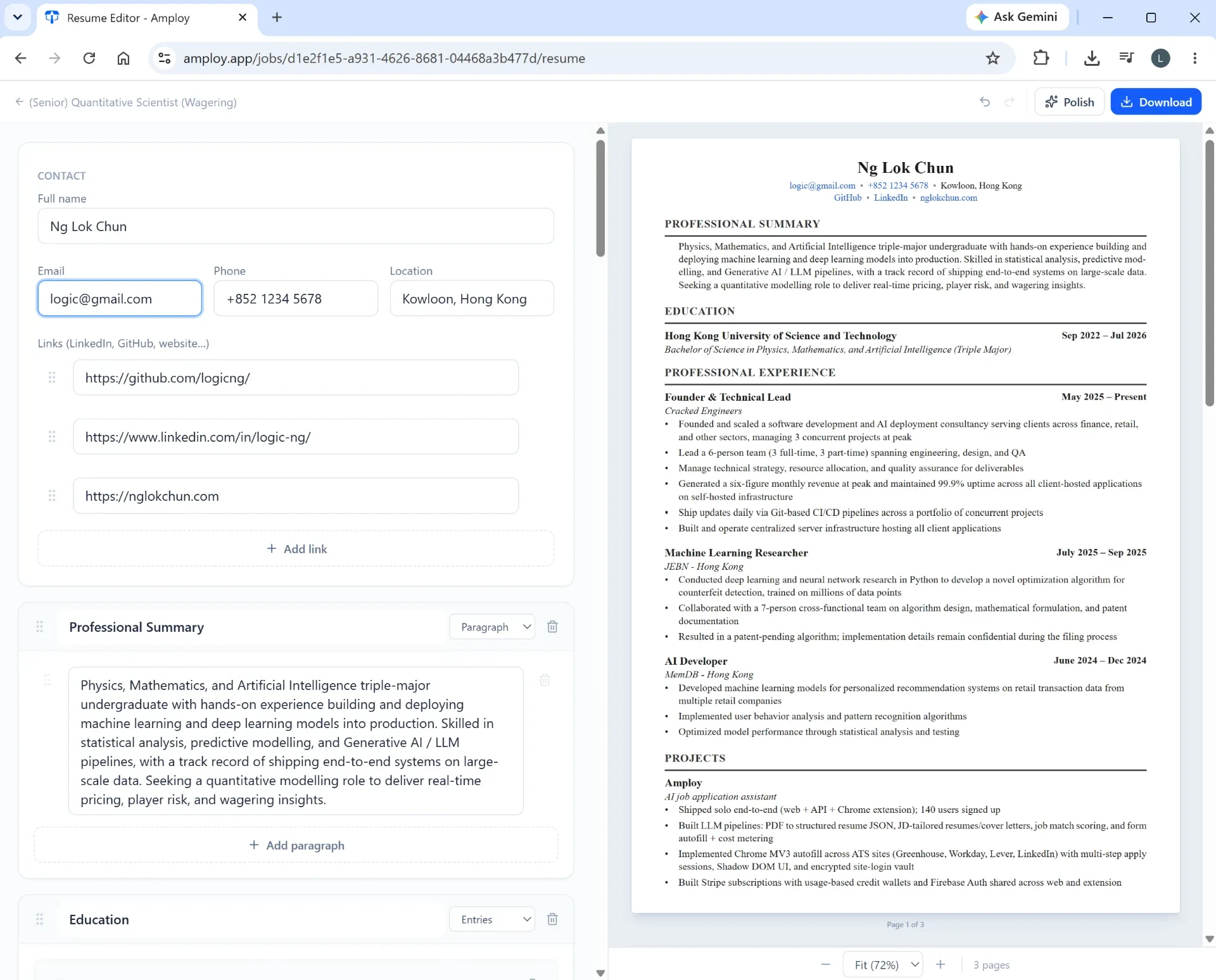
Because the letter is generated and saved alongside the application, the record in your tracker is complete from the start. You're not reconstructing what you sent two weeks later; you're looking at it.
Don't let logins be the thing that stops you
A quiet, underestimated reason trackers stop getting used: by the time you've applied to twenty roles, you're managing twenty different career-site logins, and "forgot password" becomes a ten-minute detour that ends with you closing the tab.
Store the login once per career site — not once per job — so returning to a company's portal to check status or finish an application takes one step instead of five.

That's how Amploy's password saver is set up: one saved login per site, so the second application to the same company is faster than the first.
The setup that actually sticks
If you're rebuilding your tracker today, aim for this:
- One place for both applying and tracking — not a form in one tab and a spreadsheet in another.
- Four status stages, moved with one click.
- Documents attached to each row, so the record is complete.
- Autofill on, so logging is a side effect of applying rather than a separate task.
- Logins saved so career portals never block you.
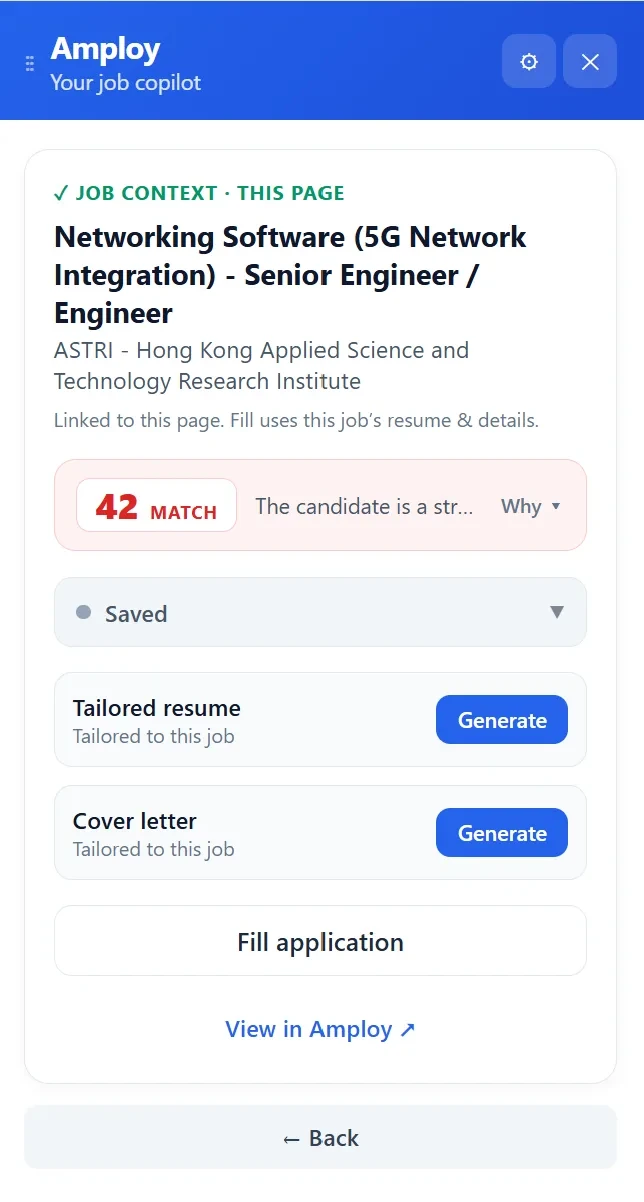
Amploy runs as a Chrome extension, so this entire loop — see the role, get a match score, generate a tailored resume and cover letter, fill the application, move it through the pipeline — happens in the browser where you're already working. There's no new dashboard to learn and no separate habit to build.
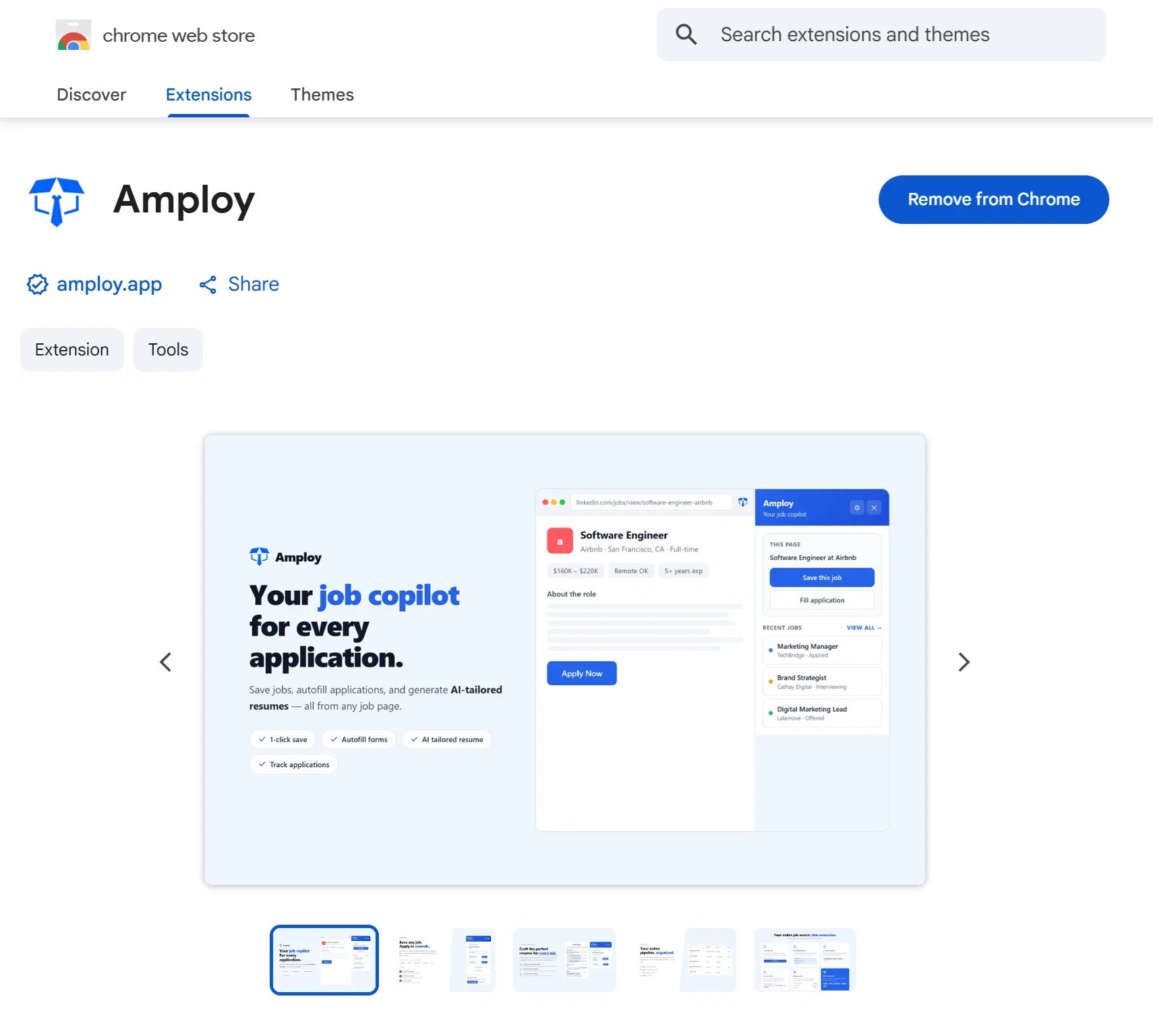
Install it, apply to one role through it, and see whether the tracker is still there the next day. That's the only test that matters.
The tracker you'll actually use isn't the most detailed one. It's the one that costs you nothing to keep up to date — because it's built into the way you apply.