
Autofill Jobsdb Applications in One Click
Applying for jobs on Jobsdb is a familiar kind of grind. You find a role worth your time, open it, and then spend the next fifteen minutes typing the same name, phone number, work history, and cover letter you've already typed a dozen times this week.
That repetitive typing is where the time goes. Amploy exists to take it off your hands — so you can apply to more roles, faster.
The problem with high-volume job boards
Job boards like Jobsdb work on volume. The more roles you apply to, the better your odds — which is why the people who land interviews tend to be the ones applying consistently and quickly, not the ones writing the single "perfect" application and stopping.
But there's a catch: the more applications you submit, the more forms you fill. Name. Phone. Employment history. Education. A cover letter. Sometimes essays. Multiply that by every posting and the busywork starts to eat the hours you could spend on roles that actually fit.
Where autofill comes in
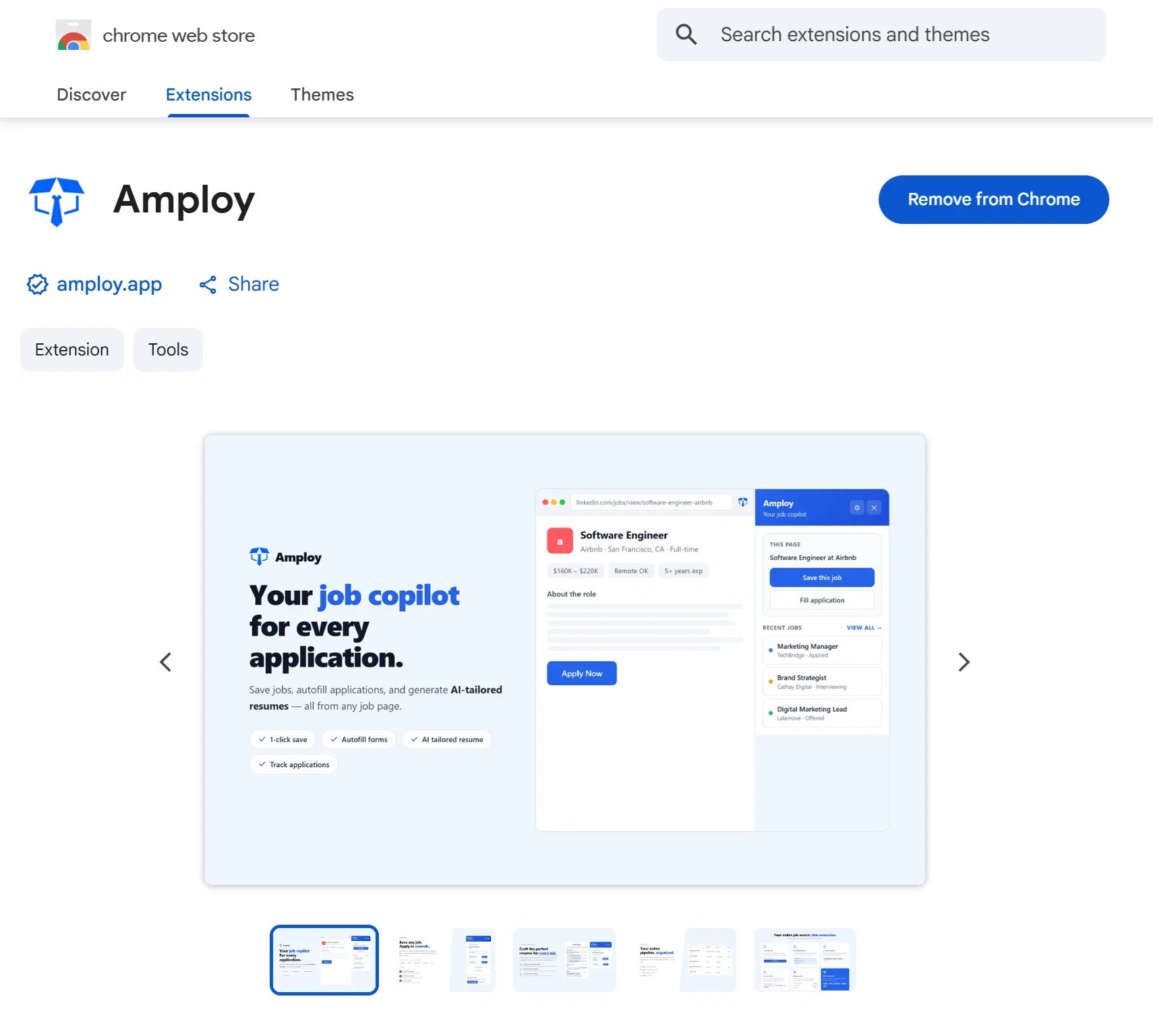
Amploy is a Chrome extension plus a website built for exactly this. Once your profile is set up, applying on Jobsdb becomes a matter of a few clicks instead of a full form-filling session.
The extension fills in:
- Your basics — name, phone, and contact details
- Work history — pulled straight from your profile
- Essays and longer fields — so you're not retyping motivations from scratch

Instead of treating every application as a fresh start, you fill the form once in your profile and reuse it. The repetitive part disappears; the decision — is this role worth applying to? — stays yours.
More than a form filler
Autofill is the headline for Jobsdb, but it works alongside the rest of the suite so a single application doesn't just get filled faster — it gets filled better.
Cover letter — Amploy generates a first draft that references the role and your real experience. You edit it to sound like you. No blank-page moment, no starting from a generic template.
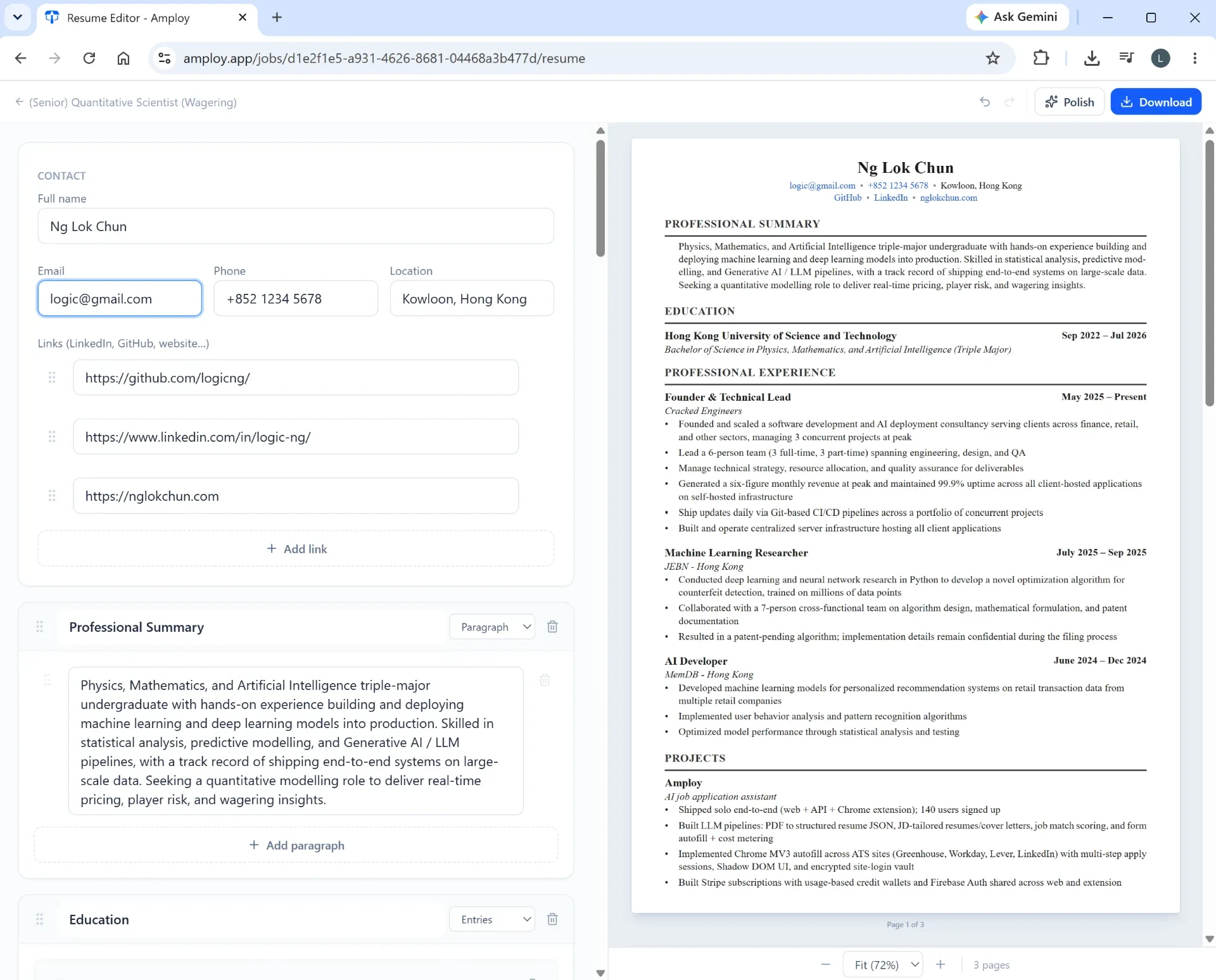
Resume rewrite — the tool rewrites your actual experience to match each job description, so your application speaks to the role you're applying for rather than the last one.

Job tracker — every application sits in a status pipeline (Saved → Applied → Interview → Offer) alongside its tailored resume and letter, so nothing slips through the cracks.

Password saver — stores the logins for the sites you apply through, so you're never locked out mid-application because you forgot a password.

Applying to more, burning out less
The point of autofill isn't to spray applications at anything with a job title. It's to remove the friction that makes volume applications exhausting. When the form takes one click instead of fifteen minutes, you can reasonably apply to more of the roles that fit — which is exactly how the numbers game gets played without the burnout.
Getting started
Install the Amploy extension, build out your profile once, and let it handle the repetitive parts of your next Jobsdb application.