
Autofill Job Applications: The Fastest Way to Get Through Repetitive Forms
Applying for jobs used to mean one application at a time: open the posting, upload your resume, then retype your name, phone number, work history, and education into yet another form that already had your resume in front of it. Do that thirty times and you've spent hours on data entry instead of on finding the right role.
Autofill job applications exist to remove that loop. Instead of treating every form as a fresh start, autofill pulls from a profile you build once and fills the repetitive fields for you. The result isn't just saved minutes — it's the ability to apply to more roles in the same amount of time, which is what actually moves the needle in a crowded market.
Why job application forms feel so repetitive
Most application systems ask for the same information in slightly different ways. One portal wants your employment history split by month. Another wants a single free-text box for "relevant experience." A third asks for a short essay about why you're interested, even though you've written variations of that answer all week.
None of this is hard. It's just tedious, and the tedium compounds. By the tenth application, your attention drops and mistakes creep in — a typo in a phone number, a stale job title, a cover letter that still mentions the wrong company. The repetition doesn't just cost time; it costs accuracy and momentum.
What autofill actually does
At its core, autofill maps the fields on an application form to the information you've already stored somewhere. That "somewhere" is the important part. If the data lives in a structured profile, the tool can fill:
- Contact details — name, email, phone, location, and links
- Work history — employers, titles, dates, and responsibilities
- Education — schools, degrees, and dates
- Short-answer fields — reusable responses drawn from your real experience
The better versions of autofill don't stop at the easy fields. They help with the parts that take real thought, so you're not starting from a blank page every time.

Where most autofill tools stop short
Filling in a name and phone number is table stakes. The real time sink in a job application is everything around the form: rewriting your resume to match the job description, drafting a cover letter that doesn't sound generic, and remembering where you applied and what you sent.
If a tool autofills the form but leaves you to handle the tailoring and tracking separately, you've only solved a slice of the problem. The applications still feel like a dozen disconnected steps.
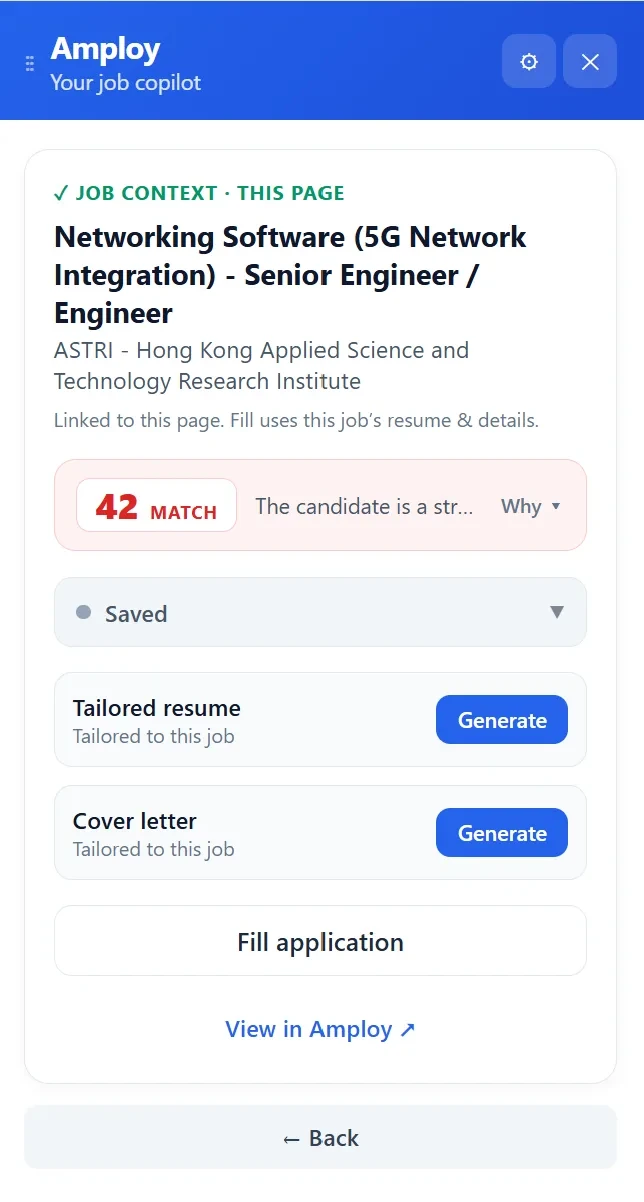
This is the gap Amploy is built to close. Autofill is one part of a workflow that covers the whole application:
- Autofill fills name, phone, work history, and essays in one click, drawn from your saved profile.
- Resume rewrite adapts your real experience to each job description, so the version you send matches the role.
- Cover letter generates a first draft that references the specific role and your actual experience — editable so it still sounds like you.
- Job tracker keeps a status pipeline (Saved → Applied → Interview → Offer) sitting right next to the tailored resume and letter for each role.
- Password saver stores one login per career site, so you're not resetting the same password for the fifth time.
Each piece removes a different kind of friction. Together they turn a multi-hour application session into something you can actually sustain.
The speed comes from the profile, not the click
It's worth being clear about where the time savings really come from. A single click that fills a form is satisfying, but the leverage is in the structured profile behind it. Fill that in once — your contact details, employment history, education, and a few reusable responses — and every application after that starts from a complete foundation.
That's also why autofill tends to improve accuracy rather than hurt it. Typing your work history by hand ten times invites ten chances for a mistake. Pulling from one source means the information stays consistent, and tailoring it for a specific role becomes an edit rather than a rewrite.
The practical workflow looks like this:
- Build your profile once with the details every form asks for.
- Save the job you're interested in so it lands in your tracker.
- Generate a tailored resume and cover letter for that specific description.
- Autofill the application and review the pre-filled fields before submitting.
- Move the role through your pipeline as you hear back.
You still review everything — autofill puts the information in place, but you're the one who decides it's right. The difference is that reviewing a filled form takes seconds, while filling one from scratch takes the better part of ten minutes.
Autofill is a volume strategy, done properly
Applying to more jobs only works if the applications are still good. Spraying identical resumes at every posting doesn't increase your odds much — it just increases your volume. What actually helps is applying to more roles with material tailored to each one, which is only realistic if the repetitive parts are handled for you.
That's the balance autofill makes possible. The form fills itself; you spend your attention on the job description, the tailoring, and the decision about whether the role is worth your time. You apply to more, you apply better, and you don't end each session exhausted.
Getting started
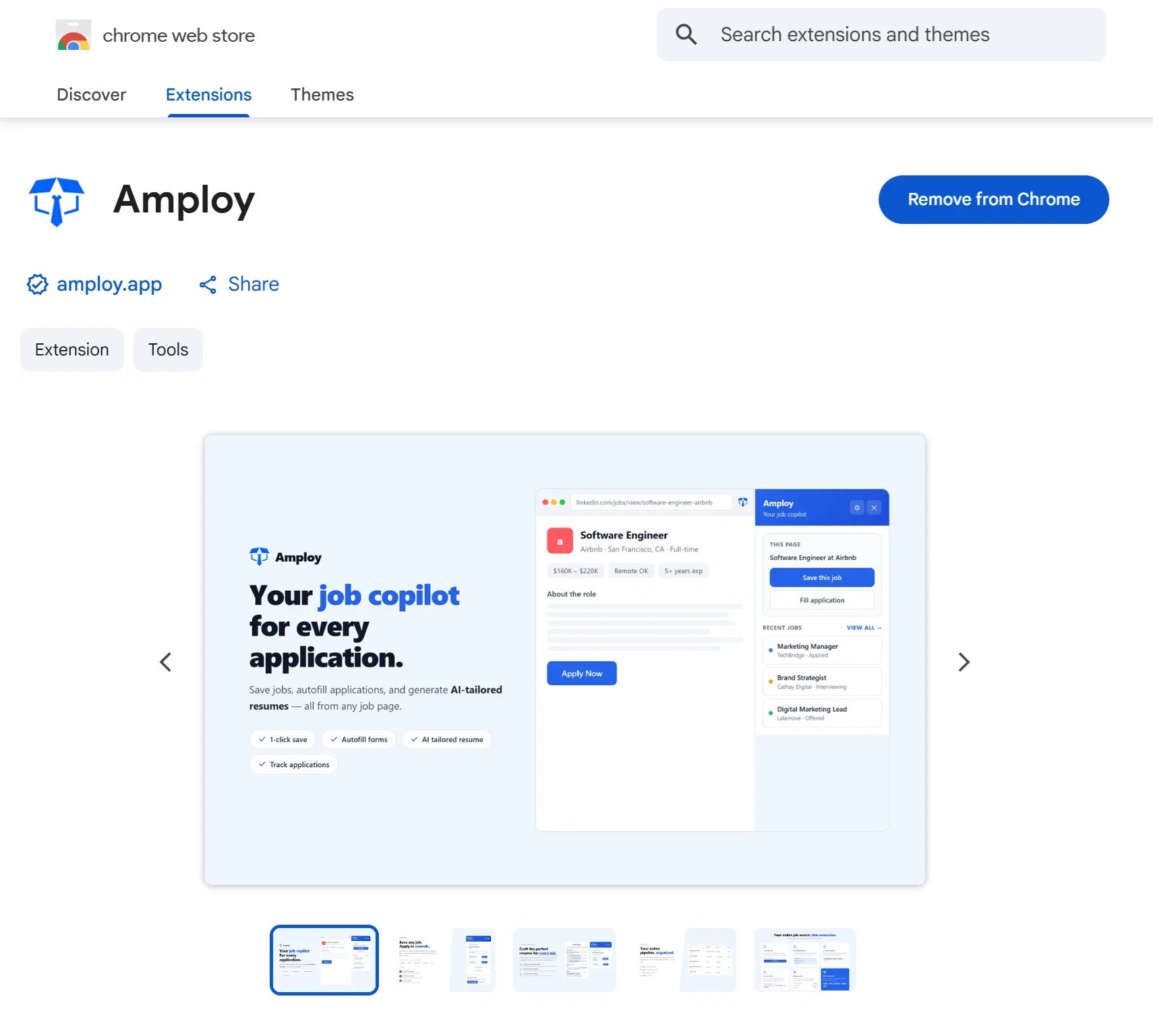
The fastest way to see the difference is to try it on your next application rather than planning it out. Install the Amploy extension, build your profile once, and let autofill handle the fields you've typed a hundred times before.

From there, add the resume rewrite and cover letter to your workflow, and keep every application moving through the tracker. The tools are all in one place — the only thing left to do is apply.